Landing Page Optimisation Checklist: 8 Fixes for Roofers
You’ve got crews booked, weather moving in, and money going into Google Ads. Somewhere nearby, a homeowner has just found a leak above the bedroom ceiling. They search on their phone, land on your page, and decide whether to call or head back to the results.
They aren’t judging your flashing details yet. They’re checking whether you fix their problem, work in their suburb, and look reliable enough to contact. A vague headline, hidden phone number, or demanding form can stop that conversation before anyone discusses a quote.
Your roofing website can lose calls before the homeowner reads about your workmanship. That’s frustrating when you know your crew does good work. It’s also fixable without rebuilding the entire website.
A homeowner with water coming through the ceiling shouldn’t have to work out how to contact you.
This landing page optimisation checklist focuses on eight practical fixes you can inspect in an afternoon. Each finishes with a check you can run in under 15 minutes, using your phone, your website, and access to your enquiry records.
Start with the page receiving your paid traffic, not the page you happen to like most. Keep the homeowner’s situation in mind throughout: they’re scrolling at night, worried about the next downpour, or comparing re-roof quotes after work. Your page needs to make the next sensible action obvious.
Table of Contents
- 1. Lead with a Clear Headline That States the Service and the Area
- 2. Put a Tap-to-Call Phone Number Where Thumbs Can Reach It
- 3. Keep the Enquiry Form Short
- 4. Show Trust Signals Above the Fold
- 5. Match Each Landing Page to the Ad or Search That Sent the Visitor
- 6. Use Real Project Photos and Before-and-After Examples
- 7. State a Clear Next Step and a Realistic Response Time
- 8. Track Calls and Form Submissions So You Know What Works
- How the eight landing page fixes compare on benefit, drawback, and where they matter most
- Turn This Checklist Into a Two-Week Fix Plan
1. Lead with a Clear Headline That States the Service and the Area
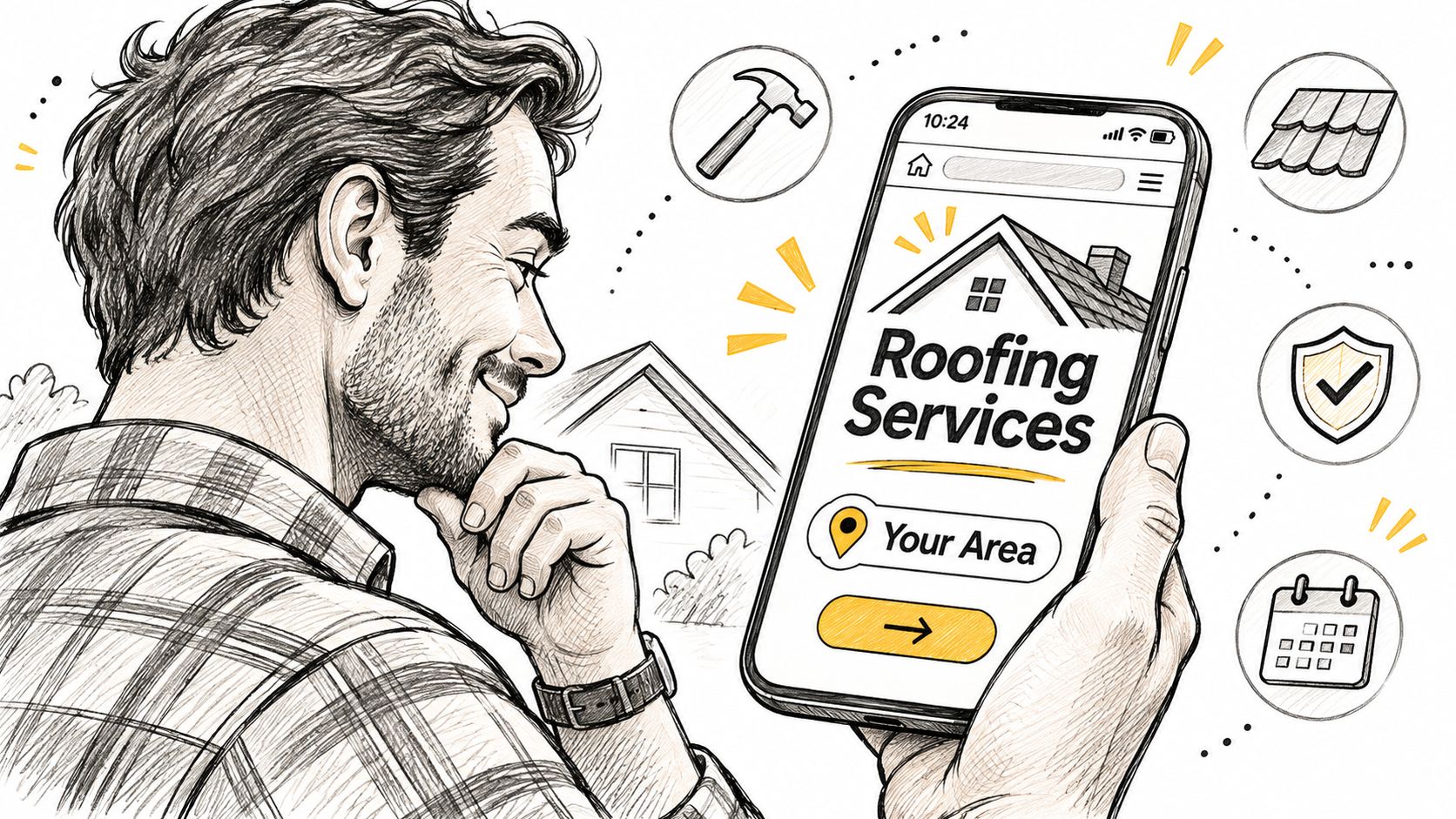
Name the roofing job and the place you do it. A homeowner searching for a metal re-roof in Hamilton shouldn’t have to interpret a slogan about quality, excellence, or complete solutions.
Use a headline such as Metal Roof Replacement in Hamilton, then explain who the service suits. A supporting sentence could mention ageing long-run roofing, an inspection, and a written quote. Only promise a free quote or a response deadline if that matches your actual service.
Write for the job in front of them
A storm-leak visitor needs different information from someone planning a commercial membrane replacement. Give repairs, re-roofs, and commercial work their own pages when you have enough relevant material to explain each service properly.
- Lead with the service: Say roof repairs rather than property solutions.
- Define the coverage: Name the city or region, then clarify the suburbs you service.
- Make the next action specific: Offer an inspection request, a quote conversation, or a phone call.
Use a single descriptive main heading and a logical heading order underneath it. The New Zealand Government Web Standards provide a useful accessibility and usability reference, although their requirements apply to covered government organisations, not automatically to private roofing businesses.
Keep the headline short enough to read comfortably on a phone. Don’t cram every material and neighbouring town into it; put supporting coverage below.
Under-15-minute check: Open the page on your phone and cover everything below the headline. Ask someone unfamiliar with the business to identify the service and location. If they have to guess, rewrite it before changing the colours or layout.
2. Put a Tap-to-Call Phone Number Where Thumbs Can Reach It
A homeowner dealing with a storm leak may want a conversation, not a form. Put a visible phone number and tap-to-call button near the top, then repeat the contact option after substantial content and in the footer.
There’s a strong local reason to test this properly. Stats NZ’s 2023 Census found that 93.5% of New Zealand households had access to a cellphone/mobile phone, while 90.5% had internet access.
Make calling easy, not intrusive
Use a proper telephone link, not a number baked into an image. A sticky mobile call button can help, but it mustn’t cover the form, privacy wording, or keyboard controls.
Say a homeowner reaches your emergency repair page at night. If nobody answers after hours, explain that before they call and tell them when messages are checked. Don’t advertise immediate attendance when you’re only collecting messages.
Practical rule: The button makes the call possible. Your answering arrangements determine whether the enquiry becomes a conversation.
Have a clear voicemail greeting that names the business and asks for the suburb, problem, and callback number. Keep the form available for visitors who can’t speak or prefer written contact.
We set up call tracking alongside the landing-page journey so calls can be connected to the advertising that generated them. Keep tracking numbers consistent with your business identity and test any number-swapping setup on the live page.
Under-15-minute check: Turn off Wi-Fi, open your main landing page, and tap every phone control. Confirm that each dials the correct number, then check the voicemail greeting and whether the sticky button obstructs anything.
3. Keep the Enquiry Form Short
Ask for what you need to start the conversation, not everything you’ll need to price the roof. Name, phone number, suburb, and a short description of the job are a sensible starting point.
For a re-roof enquiry, you can discuss roof size, access, existing material, and timing during follow-up. Making a tired homeowner find those details before contacting you adds work before you’ve established any trust.

Keep useful qualification, remove administrative convenience
Shorter isn’t automatically better if your office receives enquiries for jobs you don’t take. A simple service selector can distinguish a repair from a replacement without asking the homeowner to diagnose the roof.
- Keep the suburb: It helps you check service coverage.
- Make photos optional: They can help triage a leak, but an upload shouldn’t prevent contact.
- Use appropriate inputs: A telephone field should bring up the phone keypad.
- Explain errors clearly: Keep entered information when a visitor misses a required field.
A multi-step form can organise a complicated enquiry, but don’t hide a long questionnaire behind an easy opening question. Show what’s involved and provide a way back.
Privacy matters here too. Stats NZ’s explanation of the Privacy Act 2020 describes principles governing personal information use and disclosure. Identify your business near the form, explain why you’re collecting the details, and provide a contact route for privacy questions.
Under-15-minute check: Submit a test enquiry using only information a homeowner would know without measuring or climbing onto the roof. Remove unnecessary required fields, check the confirmation, and verify that the enquiry reaches the person responsible for responding.
4. Show Trust Signals Above the Fold
A homeowner comparing re-roof quotes is deciding who to trust with their home, not just choosing a roof colour. Put verifiable reassurance beside the first contact opportunity, rather than hiding it beneath a long company history.
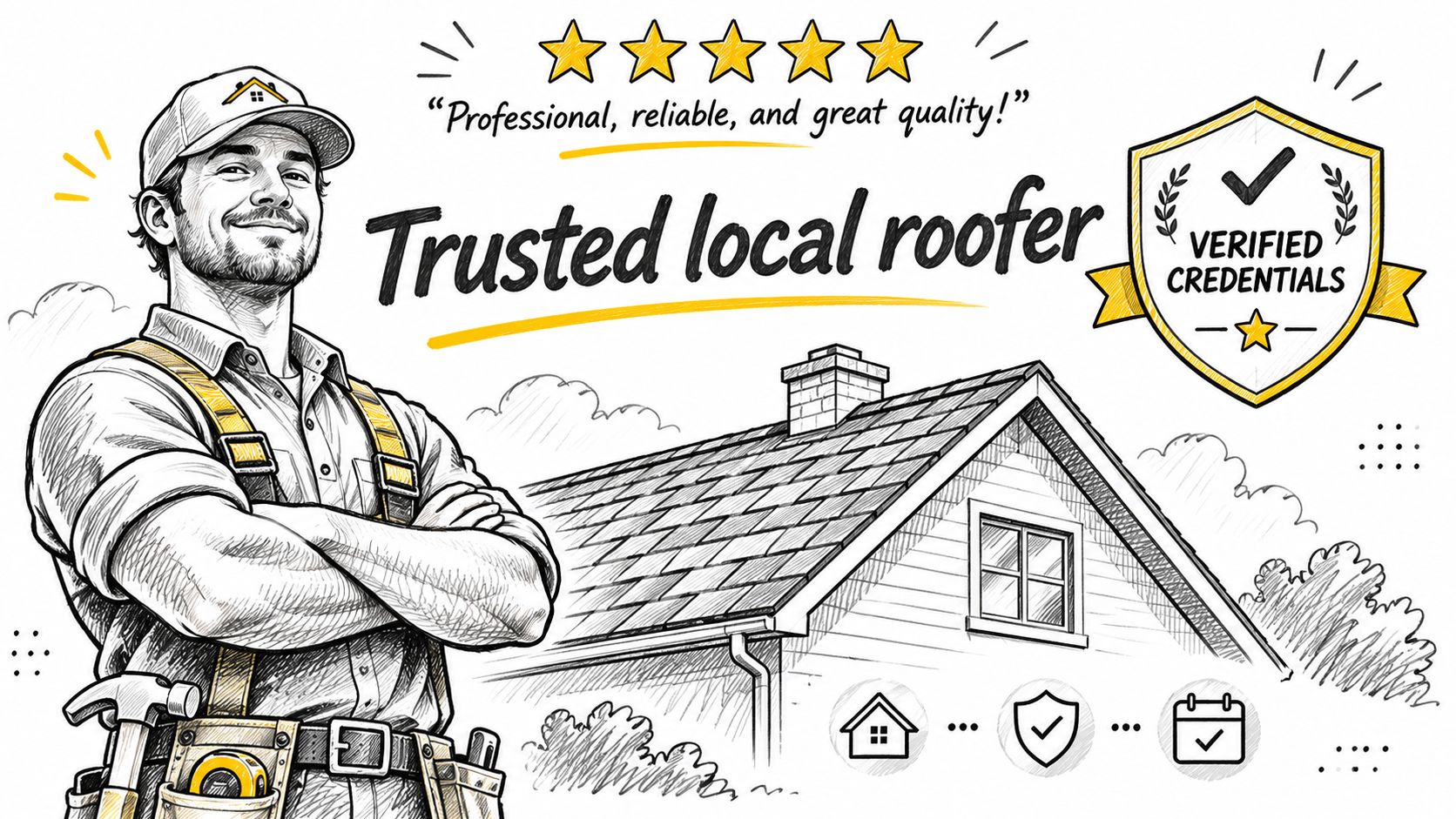
Useful proof includes genuine customer feedback, applicable credentials, insurance information, relevant memberships, and a clear explanation of workmanship warranty coverage. Only display claims you can substantiate.
Choose proof that answers the homeowner’s doubt
For storm repairs, use feedback about communication, attendance, and the completed repair. For re-roofs, show evidence about project management, site cleanliness, and workmanship.
A Google review excerpt should preserve the reviewer’s meaning and attribution. If you display a rating or review count, keep it current rather than leaving an old screenshot in place indefinitely.
- Show real people: Use an owner or crew photo, clearly identified.
- Explain warranty scope: Separate workmanship cover from product warranties.
- Use relevant credentials: Don’t display unrelated badges just to fill space.
Stats NZ’s digital-inclusion measure recorded 67.5% nationally for feeling fairly or very confident in staying safe online when shopping or buying and selling goods. Clear business identity and straightforward contact options are practical ways to reassure someone who’s hesitant about sharing their details.
For layout guidance, our roofing website design approach puts that evidence close to the enquiry path. Don’t let a giant badge strip push the service headline and phone button out of view.
Under-15-minute check: Inspect the first mobile screen and the area beside your form. Verify every credential and review claim, then replace a vague badge with specific, relevant proof.
5. Match Each Landing Page to the Ad or Search That Sent the Visitor
Say your ad promotes tile roof repair in Christchurch. Sending that visitor to a homepage led by commercial metal roofing makes them search again inside your website.
Continue the promise they clicked. The headline, opening paragraph, photos, and contact button should all fit the service and area in the ad. Message match is about answering the same need, not mechanically repeating a keyword.
Build around genuine differences
Separate pages make sense when the work, audience, or buying decision changes. Long-run replacement, tile repair, and commercial membrane roofing deserve different explanations, project evidence, and qualification questions.
- Group by intent: Send repair ads to repair information, not a replacement sales pitch.
- Use genuine local detail: Show relevant projects and actual service coverage.
- Avoid copied suburb pages: Changing the place name doesn’t create a useful local page.
- Keep promises aligned: If an ad offers an inspection, the page shouldn’t unexpectedly require a paid consultation.
Online comparison is a familiar activity for your audience. The Commerce Commission and MBIE’s 2024 consumer survey findings report that 65% of New Zealand consumers shopped online frequently in 2024.
Make comparisons easier by explaining what your quote process includes and which work you take on. Don’t claim that a relevant page guarantees cheaper clicks; judge it by qualified enquiries and booked work.
We align service and location pages with the ad structure so the click continues into a relevant enquiry journey. That also makes it easier to identify which service pages need attention.
Under-15-minute check: Open a live ad’s destination from Google Ads and compare its promise with the first mobile screen. Check the service, location, offer, and next step, then flag any mismatch for correction.
6. Use Real Project Photos and Before-and-After Examples
Show the roof the homeowner is worried about, not a generic house nobody on your crew worked on. A weathered tile roof, deteriorated flashing, or completed long-run replacement gives them something concrete to assess.
Use before-and-after photographs from a consistent angle. Add a short caption explaining the problem, the work completed, and the roof type, without claiming that a photograph proves hidden construction quality.
Make the evidence useful and accessible
For a commercial membrane project, describe the building type, access constraints, and scope. Include measured project details only when your job records support them; impressive-looking figures aren’t a substitute for accuracy.
A project video can support that explanation, but the visitor shouldn’t have to watch it to understand the work.
Keep your own project images compressed and appropriately sized. Use WebP where practical, reserve image dimensions to prevent the page jumping, and check performance with Google PageSpeed Insights on a mobile connection.
Accessibility belongs in the same review. The Government Digital Accessibility Forum summary reports that one in six people identify as disabled, drawing on New Zealand’s Household Disability Survey.
- Describe the job: Write useful alt text rather than stuffing in roofing keywords.
- Provide alternatives: Caption videos and explain before-and-after changes in text.
- Get permission: Check before publishing identifiable homes or addresses.
- Avoid awkward controls: A slider shouldn’t require precise dragging to reveal essential evidence.
Under-15-minute check: Review a project example on your phone using mobile data. Confirm that it loads cleanly, has a useful caption, and remains understandable without sound or an interactive slider.
7. State a Clear Next Step and a Realistic Response Time
A form button labelled Submit tells the homeowner almost nothing. Request a roof inspection or Ask for a re-roof quote explains the action, provided that’s what your team will arrange.
Then explain what happens afterwards. Does the office call to confirm the suburb and job? Does someone arrange an inspection before preparing a written quote? Make the process visible before the homeowner gives you their details.
An automatic confirmation acknowledges an enquiry. It isn’t the same as a roofer reviewing the problem or confirming attendance.
Promise what your team can deliver
Check recent enquiry timestamps against actual replies before publishing a response commitment. Include calls, form enquiries, busy periods, and after-hours messages rather than choosing a deadline based on a quiet morning.
For an emergency leak page, explain that your team will confirm availability and arrival arrangements by phone. Don’t imply that submitting a form books an emergency visit.
For a planned re-roof, explain the sequence:
- Initial contact: Confirm the property location and type of work.
- Inspection arrangements: Explain how a suitable appointment is agreed.
- Written quote: State what the homeowner receives after the roof is assessed.
Keep the same expectations in the page copy, confirmation screen, email, and voicemail. If appointments depend on weather or safe access, explain that plainly without burying the message in disclaimers.
Never ask a homeowner to climb onto a wet roof to gather quote details. Let them describe what they can safely observe, then leave roof access and inspection decisions to the roofing team.
Under-15-minute check: Read your contact button, confirmation message, and automatic reply together. Remove conflicting promises and confirm who owns the next action when an enquiry arrives after hours.
8. Track Calls and Form Submissions So You Know What Works
A phone-button click isn’t a booked inspection. A submitted form isn’t a won re-roof. Track the contact action, then connect it to what happened in the business.
Stats NZ’s Business Operations Survey found that 53% of businesses with internet access received orders for goods or services over the internet in 2022. For your roofing company, the useful question is which online enquiries become work you want and can profitably deliver.
Follow the enquiry through to the job
Use Google Tag Manager to manage tracking, Google Analytics to inspect behaviour, and Google Ads conversion tracking to connect advertising with enquiries. Our Google Ads conversion tracking guidance explains the measurement side of that journey.
Record successful form completion, not merely a press of the submit button. Distinguish telephone-link clicks from connected calls, and check that duplicate events aren’t inflating your totals.
- Capture the source: Record the campaign and landing page where available.
- Qualify the enquiry: Mark service area, job type, and whether it suits your business.
- Record the outcome: Follow inspection, quote, booking, and won-job status.
- Review device differences: Investigate weak mobile results for broken controls or form errors.
Say repair ads generate plenty of calls while your crew needs replacement work. That isn’t automatically a landing-page failure; your targeting, message, or budget allocation may need changing.
Use website traffic estimates for small businesses for context, not as a replacement for your own enquiry records. We provide monthly reporting with call and lead attribution so page decisions can be tied to business outcomes.
Under-15-minute check: Send a labelled test enquiry and make a test call. Confirm that each appears correctly, has the expected source information, and reaches your follow-up system without duplicate counting.
How the eight landing page fixes compare on benefit, drawback, and where they matter most
| Item | Main Benefit | Main Drawback | Best For |
|---|---|---|---|
| Clear service-and-area headline | Quickly tells visitors what you do and where | Can feel too narrow if covering many services | Roofing businesses targeting specific services and locations |
| Tap-to-call phone number | Captures urgent, high-intent calls | Missed calls can send leads to competitors | Roofers handling urgent or storm-related enquiries |
| Short enquiry form | Encourages more visitors to submit enquiries | May produce less-qualified leads | Mobile visitors and businesses seeking more enquiries |
| Trust signals above the fold | Builds confidence before visitors compare providers | Outdated or unverifiable credentials can undermine trust | Roofers competing for homeowners’ confidence |
| Match each landing page to its ad or search | Improves relevance and conversion from traffic | Multiple pages take time to create and maintain | Businesses running targeted ads or local search campaigns |
| Real project photos and before-and-after examples | Demonstrates workmanship and builds trust | Photos take time to gather and maintain | Roofers with completed projects to showcase |
| Clear next step and realistic response time | Reduces uncertainty and sets expectations | Unrealistic promises can damage credibility | Businesses wanting smoother follow-up and fewer lost leads |
| Track calls and form submissions | Shows which pages and ads generate enquiries | Requires technical setup and privacy care | Businesses measuring and improving marketing performance |
Turn This Checklist Into a Two-Week Fix Plan
Start with the fixes that cost nothing. Rewrite the headline so it names the service and suburb, make the phone number tappable, and cut the form to the fields you need before speaking to someone. Work on the landing page receiving paid traffic first, because that’s where a broken contact path can waste advertising spend.
Give each change an owner. You might handle the wording while your office checks enquiry delivery and your website person fixes mobile controls. Keep a simple record of what changed and when, so you can interpret the results later.
Use the first week to remove obvious obstacles
Focus on whether a homeowner can understand the offer and contact you. Don’t delay a broken-phone-link fix while debating a complete redesign.
- Clarify the offer: Match the headline, service coverage, and contact button.
- Test the contact paths: Call the number and submit the form on a real phone.
- Verify reassurance: Check reviews, credentials, warranty wording, and business identity.
- Check the handover: Confirm who responds and what the homeowner is told.
Ask someone outside the business to complete the journey. Staff already know where everything is and may miss confusing wording or an enquiry button hidden below a large image.
Use the second week to make measurement dependable
Check tracking before spending more on traffic. Confirm that calls and successful submissions are recorded, then connect those enquiries with inspection and quote outcomes.
Correct project captions, compress oversized images, and replace generic proof with relevant work. Test keyboard access and form errors as well as the appearance of the page. A page that looks finished can still prevent someone from making contact.
Keep the priority straight: Repair anything broken immediately. Test persuasive changes separately so you can tell which change helped.
Review the numbers monthly and change one element at a time once the basics work. Compare similar services and traffic sources, and allow enough genuine enquiries before declaring a headline successful. A storm-driven surge in repair demand doesn’t prove that a new button colour improved the page.
The practical target is more suitable conversations that progress into quoted and booked roofing work. Keep that outcome ahead of page views, visual polish, and raw form totals. Your website should help the homeowner take the next sensible step and help your team respond without confusion.
Bluelight offers a free 30-minute ad account review with no deck and no sales pitch, covering what’s working, where budget is leaking, and the two or three moves most likely to change your numbers. Visit Bluelight to arrange a review and identify where your roofing ads and landing-page journey need attention.
Related service Google Ads for Roofers