Landing Page Examples for Roofers: 7 to Study in 2026
A homeowner taps your ad while standing in her kitchen with a bucket on the floor. She scans the headline for her suburb, looks for a phone number she can hit with one thumb, sees a stock photo of a roof and a wall of text, and leaves. Four seconds, maybe five. You paid for that visit.
Most roofing pages lose people inside that window. New Zealand internet users are phone-first, with 94% accessing the web through smartphones, according to Energise’s internet usage breakdown. Slow loading shortens the window further, and the same improve website speed for Australians fixes apply on this side of the Tasman: compressed images, fewer scripts, cached pages.
What follows are seven landing page examples worth studying in 2026, chosen because each one shows something a roofer can copy: clear service framing, proof sitting beside the call button, one obvious next step. For each, I’ll cover what the page does, why it converts, and what to steal.
Table of Contents
- 1. Website Design
- 2. Unbounce
- 3. Lapa Ninja
- 4. Landingfolio
- 5. SaaS Landing Page
- 6. One Page Love
- 7. Landbook
- The 7 Landing Page Example Sources at a Glance
- Study the Examples, Then Build a Page That Gets the Call
1. Website Design
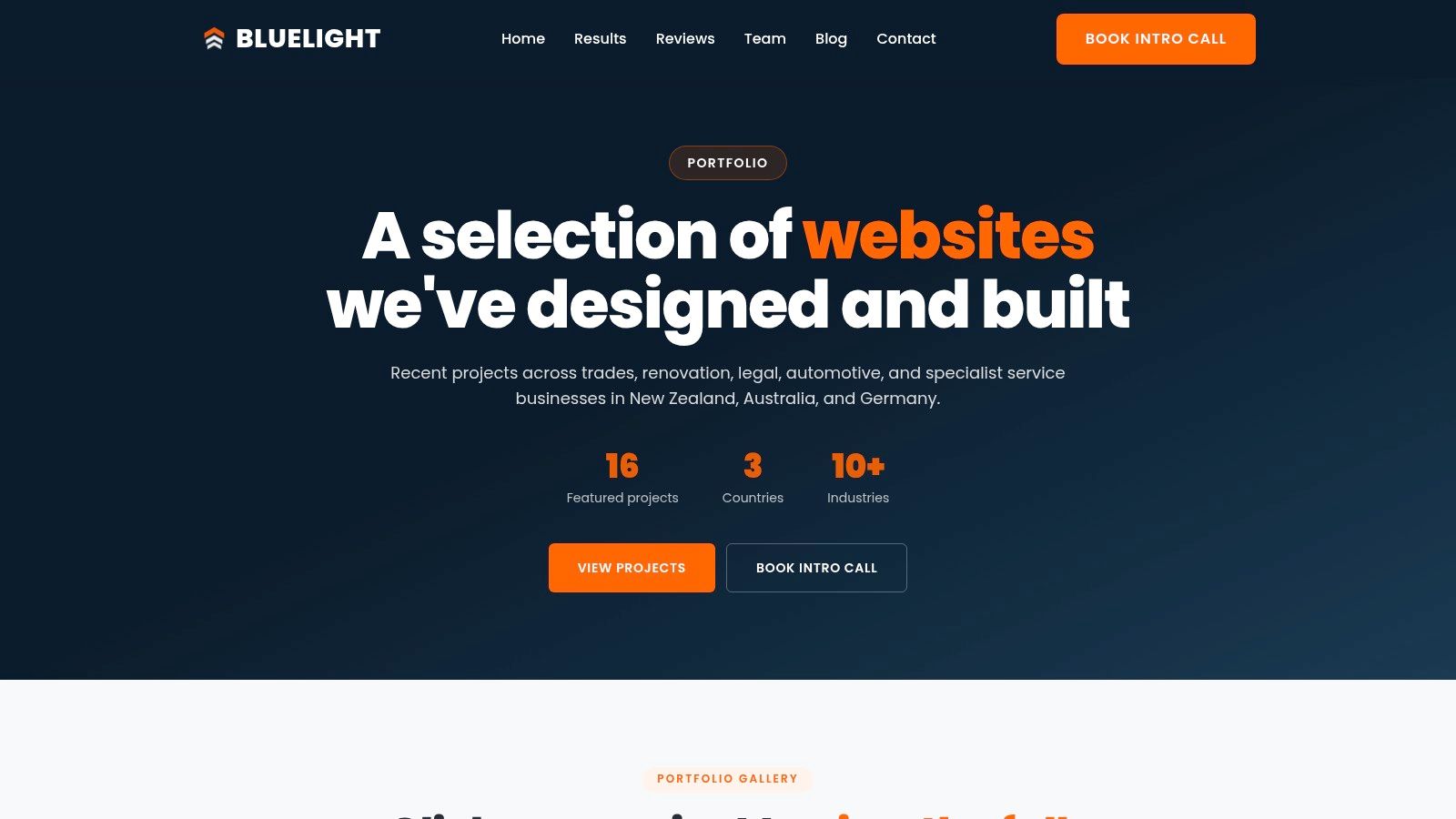
Start with the example that doesn’t need translating from another industry. Bluelight’s website design service is built for roofing companies only, and that narrowness shows in how pages are structured.
What the page does differently
Instead of a generic services grid, the layout is shaped around the searches homeowners type: re-roofing, repairs, commercial roofing, gutters, restoration. Each gets its own page and its own framing, so someone who searched a membrane re-roof doesn’t land on a page about leak repairs. The stated goal throughout is calls and quote requests, not brochure impressions.
That fits how New Zealanders buy expensive things online. The country’s e-commerce market grew 12.3% in 2023 to around US$7.5 billion, roughly NZ$12.1 billion, and more than 64% of New Zealand online shoppers research before a major purchase, according to the US International Trade Administration’s New Zealand e-commerce guide. A roof is a major purchase. The page has to answer scope, material and cost questions before it asks for a phone number.
Strengths and trade-offs
- Roofing-only structure: services and suburbs organise the page, not the company’s internal departments.
- Aligned with the ads: because the same team runs roofing Google Ads, your ad headline and page headline can say the same thing.
- Trackable: the design pairs with call and form tracking, so you can see which page produced the enquiry.
- No published pricing, timelines or public portfolio: you’ll need to ask for examples of completed roofing sites.
- Best value alongside the wider system: the design earns most when it runs with ads and tracking, not as a standalone build.
Read the page-level rules before you brief anyone. The landing page best practices guide covers service matching, headline alignment and where proof belongs. Underneath it all the site still has to be crawlable and quick, which is why technical SEO services belong in the same conversation as the redesign.
2. Unbounce
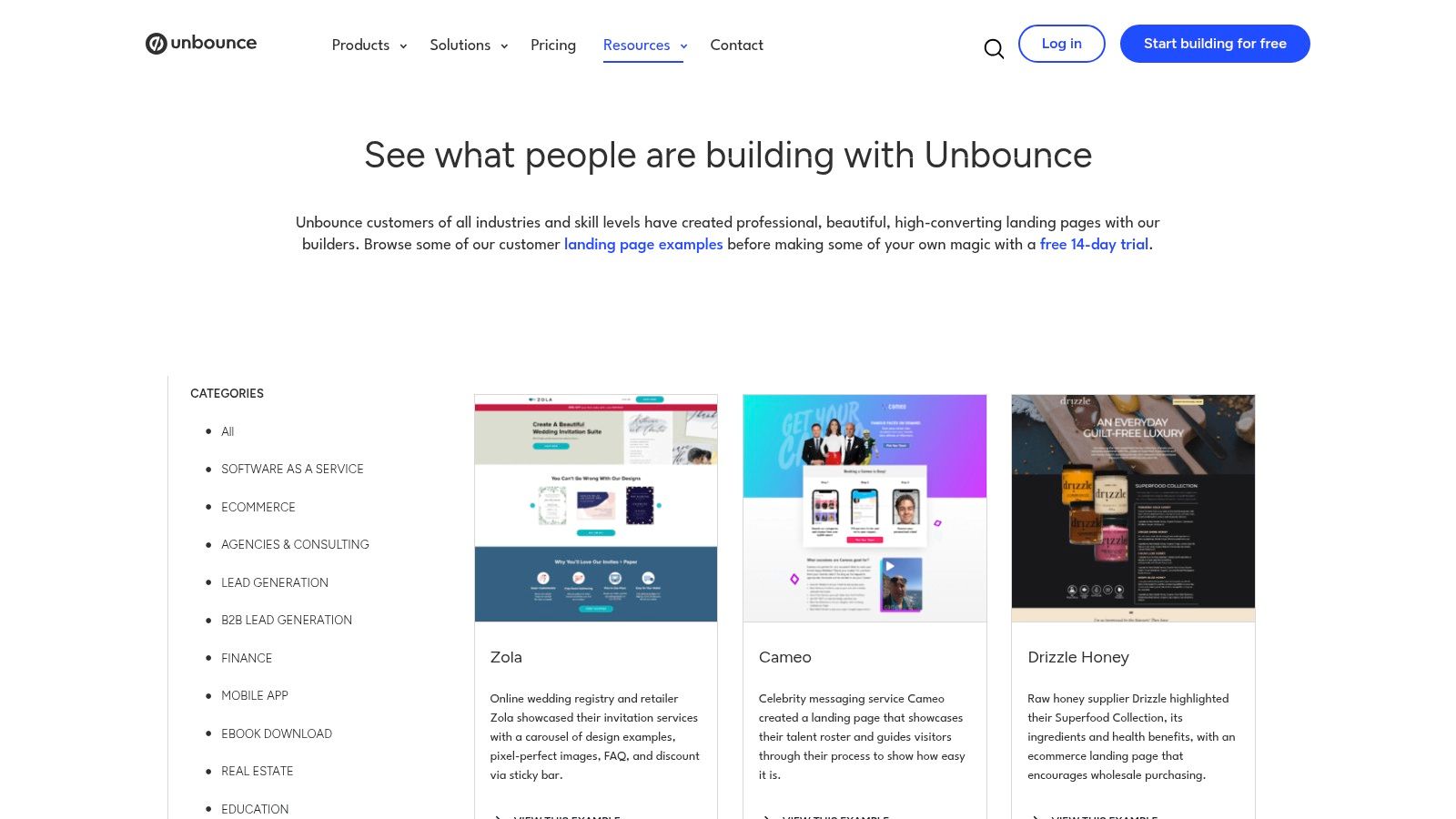
Unbounce publishes a gallery of pages built with its own builder, and unlike most inspiration sites it explains why each one works. That commentary is the useful part.
Commercial focus matters, because paid clicks are what most roofers need to fix. Online advertising accounted for about NZ$2.2 billion of New Zealand’s ad spend in 2024, roughly two-thirds of the total market, according to RNZ Mediawatch. If that’s where your budget goes, study pages built for bought traffic, not pages built to rank.
Where it earns its place
The Unbounce gallery is organised by industry and campaign type, and it includes lead-generation and trades-and-services pages rather than only software. You can browse without buying the builder, which makes it a cheap way to brief a designer or settle an argument about a headline.
- Lead-generation examples: form-first layouts, offer framing and thank-you flows you can map onto an inspection request.
- Service-business pages: a plumber or garden-care page translates to roofing faster than a SaaS page does.
- Explanations, not just screenshots: the write-up names the tactic, so you’re copying a decision rather than a colour.
What to steal: ad-to-headline match. If the ad says “roof leak repair Auckland”, the page headline says the same six words before it says anything else.
The trade-offs
- Unbounce customers only: the collection isn’t platform-neutral, so a house style creeps in.
- Broad, not roofing-specific: no gutter or membrane pages, so you’re translating again.
If you’d rather see how a roofing-specific build handles the same job, the landing page builder page shows the template logic.
3. Lapa Ninja
Lapa Ninja is the archive I’d point a designer at, and the one I’d warn an owner about. It holds more than 7,300 websites and 15,000 full-page screenshots, according to Lapa Ninja, with filters for category, colour and typography, plus full-page captures and video recordings of the whole scroll.
That’s the value: you see the fourth and fifth screens, where proof, FAQs and second calls to action live. Most roofing pages are decided in the hero and abandoned by the second screen.
Study the journey, not the weight
New Zealand connections are good enough that heavy pages technically load. Broadband made up 99% of the country’s internet connections in 2017, at 1.863 million connections, per Stats NZ’s Internet Service Provider Survey tables. Good pipes are not permission to ship a six-megabyte hero video. A homeowner with a bucket in the hallway won’t wait for it.
What to steal
Copy the order, not the styling. Hero with service and suburb, one proof block, the work itself in plain photos, an FAQ that kills the three objections (price, disruption, warranty), then the call to action again. Set a time limit, because historical versions of pages are a rabbit hole you’ll never ship from.
A gallery gives you the shape of a page. Only your call log tells you whether it works.
The trade-offs
- Design-led, not conversion-ranked: nothing tells you which examples made money.
- Breadth is the problem: finding a local-service page in a sea of portfolios takes time.
4. Landingfolio
Say your gutters page converts at 1% and you can’t tell whether the headline, the form or the proof is at fault. Landingfolio lets you pull apart one component at a time instead of staring at whole pages, which is a faster way to find the weak part.
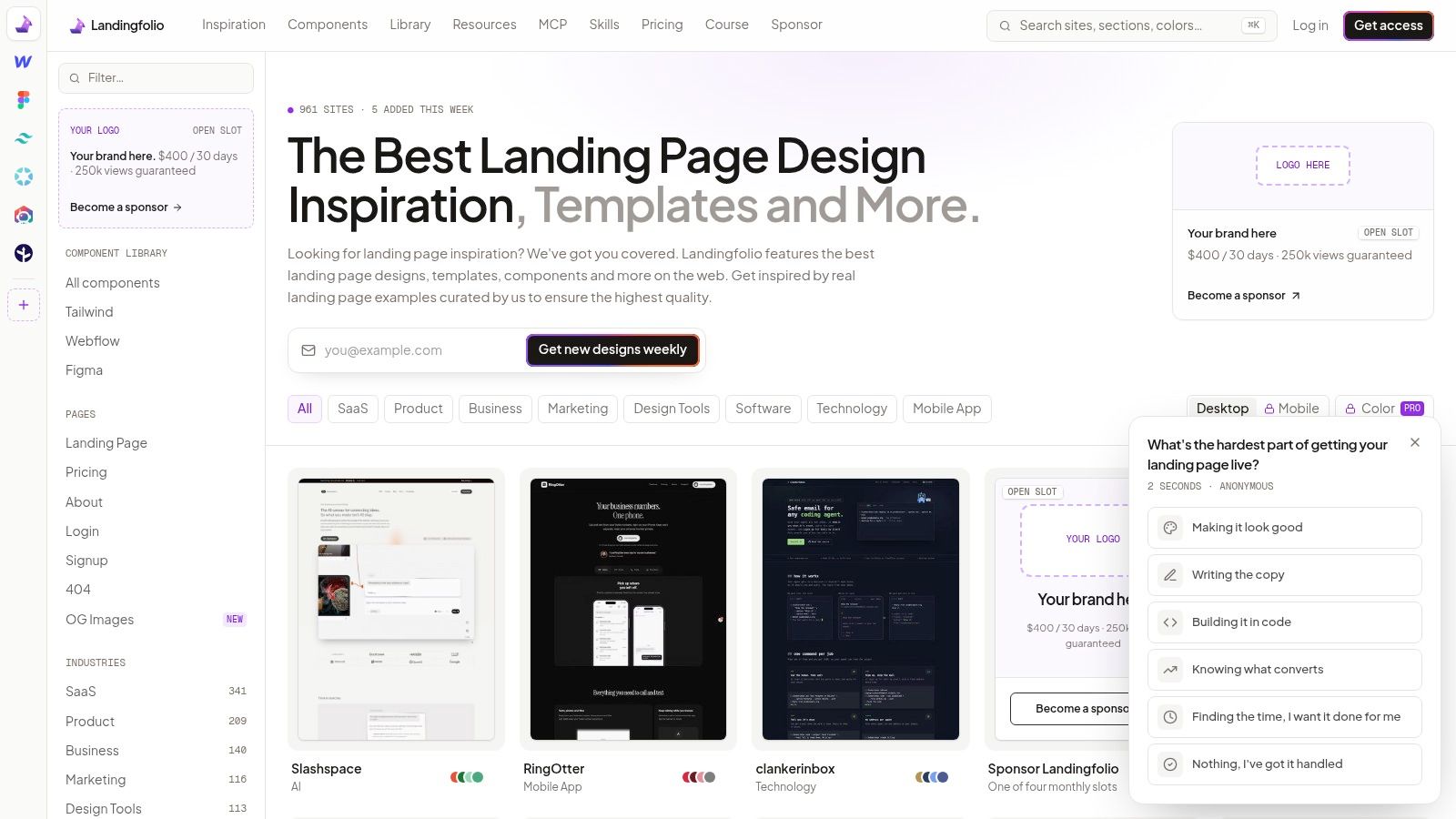
You can browse by industry, page type and colour, or go straight to the section library covering headers, testimonials and calls to action. There are resources for Tailwind, Webflow, Figma, React and Vue, and paid access adds mobile previews and component downloads.
Mobile previews are the feature I’d pay for, because placement on a small screen moves money. A New Zealand experiment on New World Supermarket’s mobile shopping page analysed more than 150,000 sessions over three months and moved the “Items Bought Before” section higher, lifting mobile transactions by 0.41 percentage points and revenue per mobile session by NZ$1.37, over NZ$3,000 in extra daily mobile revenue, as Karl Mission’s project writeup records. Nothing was redesigned. Something was moved up.
Translate that to a roof
Your equivalent of “bought before” is the high-frequency choice: re-roofing, leak repairs, gutter replacement, inspection. Put those four in the first screenful, especially for returning visitors and referrals who arrive already knowing roughly what they want.
The trade-offs
- Paywall: the component library and downloads, the useful parts, sit behind paid plans.
- Wrong business type: many examples are software pages with pricing tiers you can’t use.
5. SaaS Landing Page
Different industry, same physics. A SaaS page lives or dies on whether a stranger understands the offer in one screen, which is exactly the problem on a roofing page.
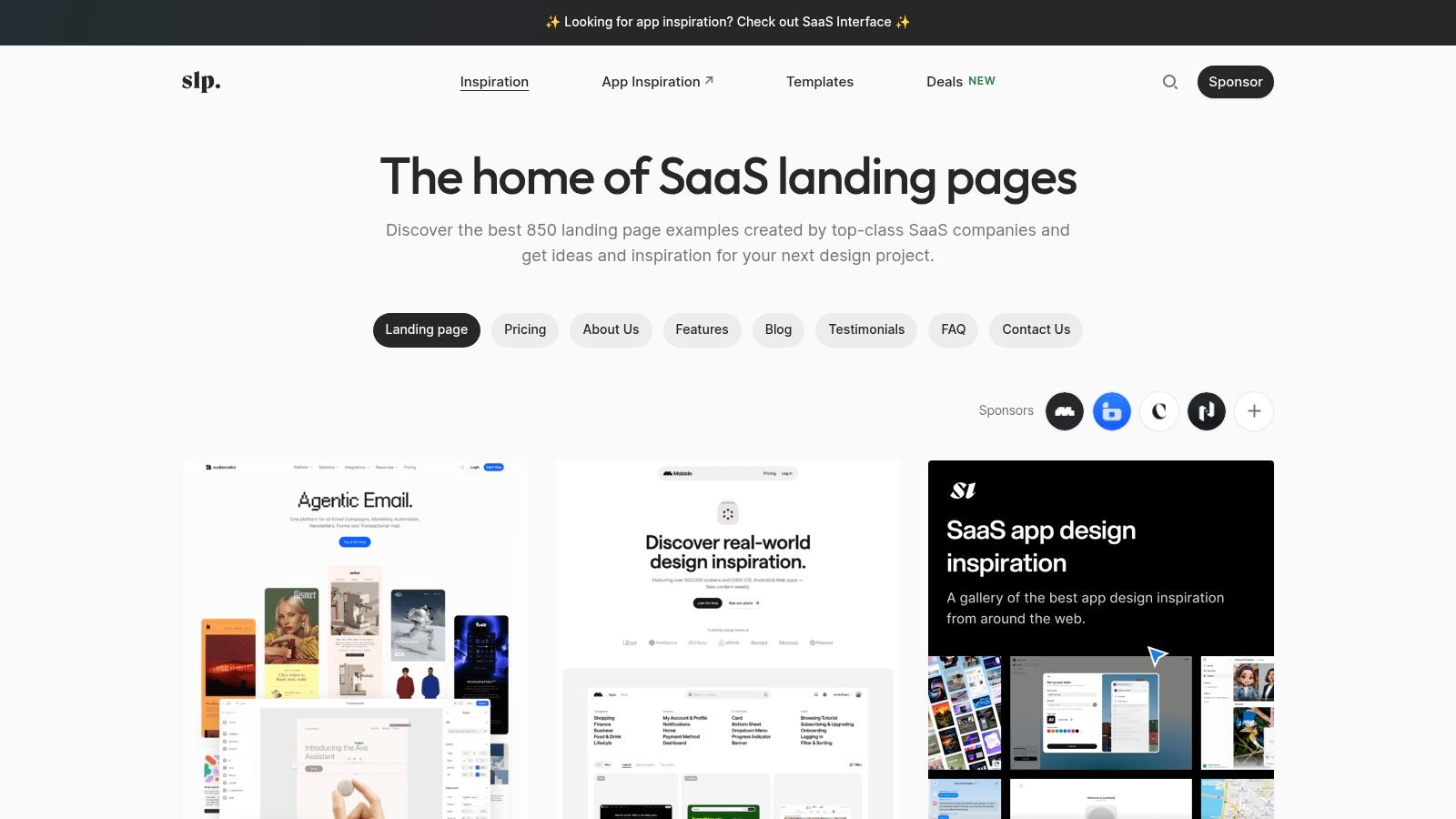
SaaS Landing Page collects SaaS and startup pages, with separate collections for pricing, testimonials, FAQs and contact pages. Each example lists typography, colour and tech stack, so you can study the build as well as the design. The pricing collections show how many ways a page can frame a decision before asking for money, even though the tiers themselves won’t transfer to roofing.
The funnel lesson
Strong SaaS pages run as one funnel. The page makes the offer, a downloadable guide gives a hesitant visitor something worth taking, and a written follow-up sequence keeps the conversation alive until they are ready. Roofing pages mostly run the first step only: they ask for a phone number and give a visitor who isn’t ready nothing back.
Replace the dead end with a take-away: a re-roofing cost range, a storm-damage checklist, a maintenance assessment. The visitor leaves with something useful, and you keep a way to follow up in writing.
Practical rule: ask for the quote from people who are ready. For everyone else, hand over something useful and follow up in writing.
What doesn’t translate
- Sign-up and trial flows: no roofing equivalent, skip them.
- Pricing tables: three tiers mean nothing to a homeowner who wants a ballpark figure and a reason to pick up the phone.
- Product screenshots: swap them for before-and-after roof photos, and make those photos legible on a phone.
6. One Page Love
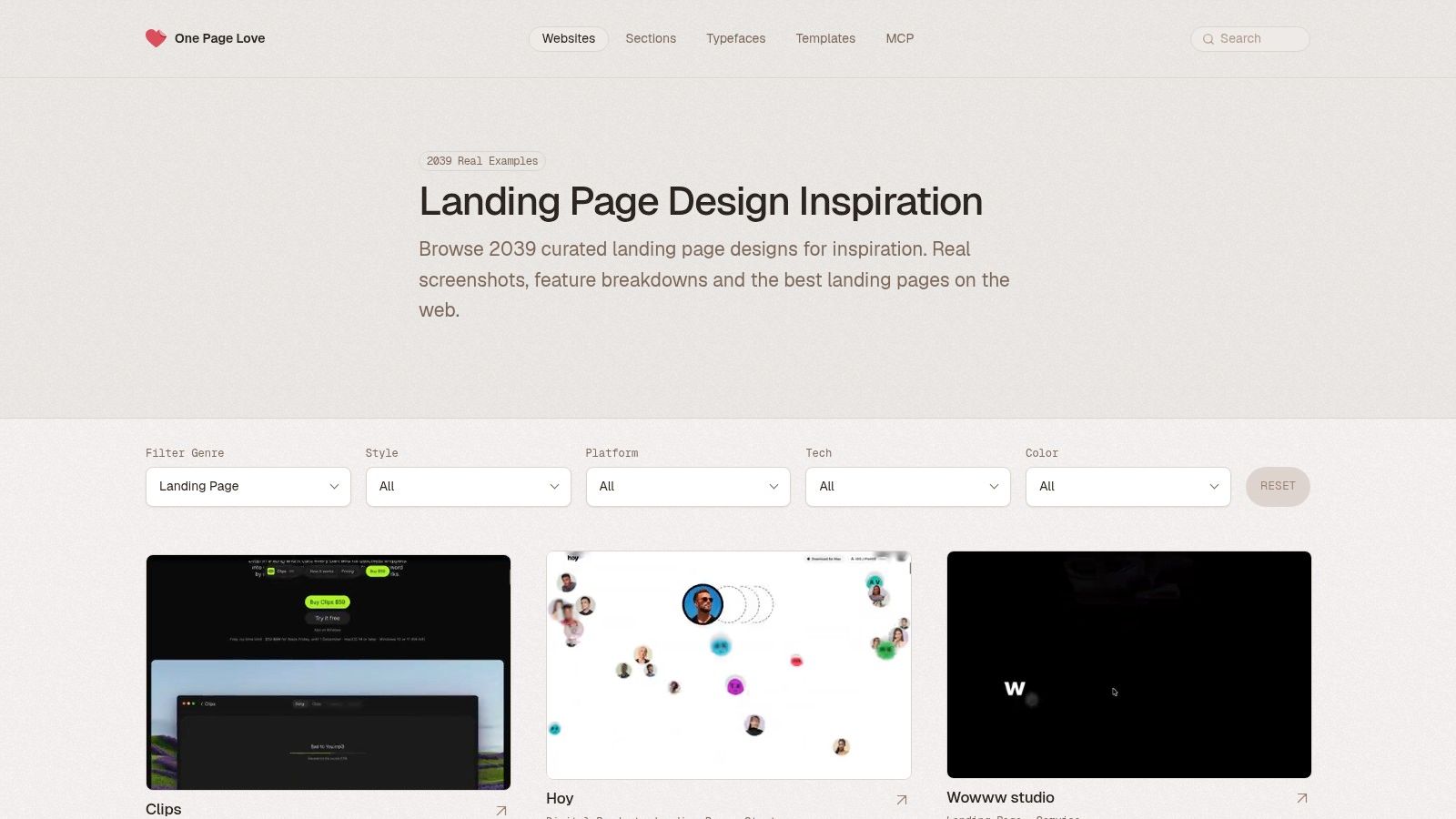
One Page Love specialises in single-page sites and campaign pages, which is what a leak-repair or storm-damage campaign needs. Its landing-page category runs past 2,000 examples with screenshots, design notes and feature breakdowns, according to One Page Love, and new examples go up weekly.
One page, one job
The format forces the discipline most roofing sites lack. If the page can’t be built around one argument, the offer isn’t clear yet. Start with the search, name the service, prove you’ve done it nearby, ask for the call.
Accessibility is commercial, not compliance
InternetNZ’s 2025 survey found 16% of respondents identified as having a long-term disability or impairment, and almost two-thirds of those respondents did not use assistive technology while using the internet, per InternetNZ’s Internet Insights 2025 findings. That kills the assumption that accessibility is a screen-reader specialist’s problem. It’s plain words, strong contrast, large tap targets, a keyboard-operable form, error messages that say what to fix, and a way to enquire that doesn’t require a phone call.
Clear wording also filters. If the page says plainly that you handle re-roofing and gutters in named suburbs but not insurance work, the wrong enquiries stop arriving.
Trust signals only work if they can be read. A licence number in 11-point grey text on a photo of a roof is decoration.
The trade-offs
- One page can’t cover six services: keep it for campaigns, not your whole site.
- Nothing New Zealand-specific: no local building terminology, no local proof.
7. Landbook
Landbook is the widest net here, and the one I open when every roofing page starts to look the same. It’s a hand-picked design gallery covering landing pages and other site types, updated daily according to Landbook, with search, filters and saved boards across a free Basic plan and a paid Pro plan.
Use it with a timer
Saving boards is the whole trick. Build three: one for page structure, one for proof blocks, one for forms. Spend twenty minutes filling them and stop. Treat the gallery as a reference library you raid before building, or it will eat an afternoon on pages you’ll never ship.
The filter that decides what gets saved is a roofing owner’s filter: would this layout get a homeowner to call? Plenty of gallery pages are beautiful and would convert nobody. Keep the examples where the call to action is impossible to miss, proof sits near the ask, and the form takes seconds to finish.
The standard is higher than you think
New Zealanders live online, and daily internet use is the norm for the large majority of households. The homeowner judging your page spent that morning on a bank app and a supermarket site. Those polished experiences are the bar your page is measured against, so a roofing page that looks thrown together loses the call before the phone ever rings.
The trade-offs
- General design gallery: no conversion data behind any of it.
- Free plan limits: some categories and filters sit behind Pro.
- Freshness cuts both ways: daily updates mean you’ll keep browsing instead of building.
The 7 Landing Page Example Sources at a Glance
Seven sources, seven different jobs. Match the source to the decision in front of you, not to whichever gallery happens to be open.
| Source | Best for | Roofing relevance | What you can study | Access |
|---|---|---|---|---|
| Bluelight | A landing page built for roofing leads, with ads and tracking to match | High; designed specifically for roofing services and homeowner searches | Roofing landing-page design, campaign alignment, conversion tracking | Free intro call and free 30-minute ad account review |
| Unbounce | Conversion-focused pages for advertising campaigns | Moderate; trades and services appear, nothing roofing-specific | Lead-generation layouts and commentary on why selected pages work | Gallery browsable without buying the builder |
| Lapa Ninja | Full-page designs and visitor journeys | Low; broad archive, local-service examples take digging | Full-page layouts, page sections, historical design changes | Browsable archive |
| Landingfolio | Page sections and design resources | Low; broad examples rarely match a roofing lead page | Full pages, testimonials, headers, calls to action, design components | Some features and downloads require payment |
| SaaS Landing Page | SaaS page structures and visual patterns | Low; focused on SaaS and startup businesses | Value propositions, benefits, pricing, testimonials, FAQs | Browsable collection |
| One Page Love | Concise one-page campaign destinations | Low; not roofing- or New Zealand-specific | One-page layouts, design notes, feature breakdowns | Browsable gallery |
| Landbook | Broad design inspiration and organized references | Low; general gallery, no conversion data behind it | Website styles, visual directions, saved boards | Free Basic plan, paid Pro plan |
Read the Roofing relevance column first. Six rows give you parts to borrow. Only one was built to make a homeowner pick up the phone.
Study the Examples, Then Build a Page That Gets the Call
Every example on this list earns its place for the same three reasons. One clear service per page, proof next to the call to action, and a phone number a thumb can hit without zooming. Take the structure and leave the styling. A roofing page that looks like a software launch and never mentions your suburb has copied the wrong part.
Then judge the page on calls and quote requests, not on how it looks in a screenshot. Stats NZ’s ICT programme tracks internet connections, online activities and online sales rather than page views, per Stats NZ’s ICT topic page, which is the right instinct. Record the campaign, the page visit, the call click, the completed form, and where you can, the site visit or accepted quote. Split those numbers by service, because a membrane quote and a gutter clean are not the same lead.
That measurement habit is what separates iterating from guessing. Bluelight builds lead-ready landing pages designed to make homeowners call instead of clicking away, and most roofing clients see their first leads within seven days of launch. If you want a second pair of eyes first, ask for the free 30-minute ad account review: what’s working, what’s leaking budget, and the two or three changes that would move the numbers fastest.
Bluelight works only with roofing companies, building Google Ads systems and landing pages that turn searches for re-roofs, repairs, metal, tile and gutters into calls and quote requests. If the examples above have shown you what your page is missing, the fastest way to find out what it’s costing you is a free 30-minute ad account review. Book it at Bluelight and get a straight read on where the leads are leaking.
Related service Google Ads for Roofers