Landing Page Best Practices: 8 Fixes for Roofers
Most roofing landing pages don’t need clever copy. They need to answer a simple question quickly: does this roofer handle my job in my area, and how do I get help? New Zealand’s Department of Internal Affairs describes accessibility as a requirement for government organisations and recommends clear headings, descriptive buttons, labelled forms and pages that work with assistive technologies. Those same basics make it easier for every visitor to understand your offer and contact your business (New Zealand’s accessibility guidance).
If your Google Ads promise emergency roof repair in Christchurch but the click lands on a generic homepage, you’re making the customer work to confirm they’re in the right place. They may leave before they call, and you’ve paid for the click either way. A landing page should connect the search, the service and the next step without making a homeowner hunt through menus.
Use these eight landing page best practices to make your roofing ads work harder. Build pages around real services and suburbs, put phone and quote options where visitors can find them, and show the evidence people need before sharing their details. Then track calls, forms and booked jobs, not just clicks.
Table of Contents
- 1. Match the Landing Page Headline to the Ad and the Job
- 2. Put a Click-to-Call Button and Phone Number Above the Fold on Mobile
- 3. Build a Separate Page for Each Roofing Service
- 4. Show Trust Signals Early and Clearly
- 5. Keep Forms Short and Ask the Right Qualifying Questions
- 6. Use One Clear Call to Action and Remove Distractions
- 7. Explain the Next Step and Set Clear Expectations
- 8. Track Every Call and Form, Then Test and Improve
- 8-Point Landing Page Best Practices Comparison
- Turn Your Next Click Into a Booked Job
1. Match the Landing Page Headline to the Ad and the Job
A homeowner searching for tile roof repairs in Christchurch shouldn’t land on a page headed “Quality Roofing Services.” That headline could belong to any roofer, anywhere. Repeat the service and location the customer searched for, then make the next step obvious.
For a Google Ad about emergency repairs, use a headline such as “Emergency Roof Repairs Across Christchurch” and follow it with a clear line about how to request help. For a metal replacement campaign, name the replacement service and the suburbs you serve. A visitor should be able to tell at a glance that the page matches the ad.
Make the first screen answer the search
Put the service, location and primary action near the top of the page. Keep the headline concise enough to read easily on a phone, and use the first paragraph to clarify what jobs you take on. If you serve several suburbs, name the relevant area rather than relying on “servicing the region.”
For example, an ad for roof leak repairs in Hamilton should lead to a repair page that discusses leaks, inspections and the areas your crew covers, not a general page about every roofing service you offer. Separate pages also make it easier to show the right project photos and answer the questions tied to each job.
Practical rule: If the customer can’t match your headline to the search that brought them there, rewrite it before you spend more on clicks.
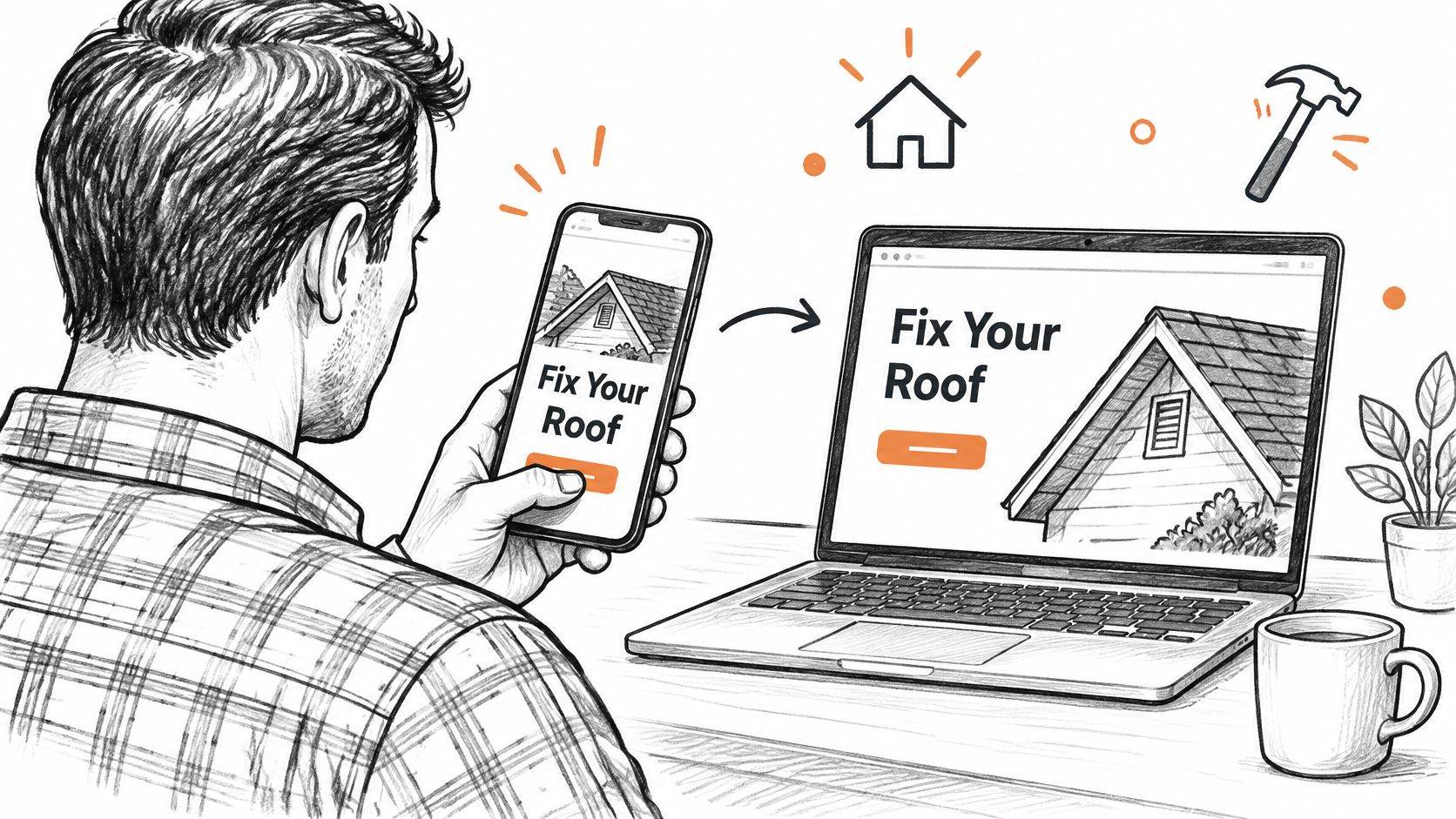
Don’t send every paid visitor to your homepage and expect them to find the right service. Match each high-value ad group to a page with the same job, service area and language.
2. Put a Click-to-Call Button and Phone Number Above the Fold on Mobile
A homeowner dealing with water coming through the ceiling may want to speak with a roofer, not fill in a long form. Put your phone number where it’s visible without scrolling, make it tappable, and repeat it in a mobile button that stays easy to reach while the visitor reads.
New Zealand’s high internet access supports a mobile-first approach, but connectivity figures don’t prove every roofing prospect uses a phone. Design for mobile without neglecting desktop users, who may be comparing options for a larger replacement or commercial job. Responsive layouts, compressed roof photos and short forms help keep both experiences usable (New Zealand internet and mobile connectivity data).
Make calling useful, not just visible
A call button only helps if someone can answer. Show your office hours beside the number, make sure your advertised hours match your actual cover, and set up a clear after-hours message if you can’t take calls overnight. Test the button on real phones before launching the page. A number that looks clickable but doesn’t open a call is a broken route to a lead.
Use call tracking software to connect calls with the campaigns and pages that generated them. That gives you a way to review which ads prompt phone enquiries. Track call quality as well, because a missed call or an enquiry outside your service area isn’t the same as a booked inspection.
For urgent storm or leak repairs, put “Call for roof repair help” directly below the headline. For a planned tile replacement, offer both a call option and a quote form, so homeowners can choose how to start.
3. Build a Separate Page for Each Roofing Service
A leaking tile roof and a commercial membrane replacement are different jobs. The customer’s questions, the information you need and the photos that build confidence will differ too. Put them on separate pages instead of making every visitor scan one long list of services.
Start with the roofing work that matters most to your business. Create a focused page for repairs, another for replacement or re-roofing, and another for commercial membrane work if those are priorities. Then expand to services such as metal roofing, tile roofing, gutters or restoration when you can give each page useful, specific content.
Lead with the customer’s problem
A repair visitor might be worried about a leak, damaged flashing or missing tiles. A homeowner considering a metal roof replacement may want to understand material choices, the inspection process and warranty terms. A property manager looking for membrane work needs clear information about commercial experience and how to request an assessment.
Use your own completed-job photos wherever possible. A photo of a local tile repair or long-run metal roof makes the page feel connected to the work you do. Generic roofing images can’t show customers what your crew’s jobs look like.
For a Florida roofer advertising replacement work, the page should explain the replacement service and make it easy to request an inspection, rather than relying on a general discussion of Florida home roof replacement costs. Keep the visitor’s next step close to the service details.
Bluelight builds roofing pages around individual services and tracks the enquiries they produce. Whichever provider you use, insist on pages that reflect your real jobs, locations and capacity, not a generic template with the city name swapped in.
4. Show Trust Signals Early and Clearly
Roofing customers may be arranging costly work while dealing with a leak or storm damage. They need to know who they’re contacting before they share their address and phone number. Put useful proof near the headline or quote form, not at the bottom of a long page.
Show your legal business name, New Zealand contact details and the locations you serve. Add relevant trade credentials, warranty information and reviews that you can verify. If you use customer comments, attribute them clearly and get permission before publishing personal details. Don’t claim to be licensed or certified unless you can support that claim.
New Zealand’s 2024 Consumer Survey reported that 91% of consumers had purchased something online, while 42% trusted information from salespeople to be fair and accurate always or most of the time. The same survey found 71% believed they had the same consumer rights when buying from a New Zealand website as in-store (New Zealand consumer survey reporting). For a roofer, the practical point is simple: don’t rely on polished sales language. Give people verifiable details and clear terms.

A Christchurch repair page might show a customer review about a completed local repair beside a short warranty summary. A commercial membrane page could identify the relevant experience and explain how to arrange an assessment. Keep evidence close to the action it supports, and remove anything outdated.
This video can sit further down the page, after visitors have seen your offer and proof:
Don’t manufacture urgency with unsupported guarantees or scarcity claims. Clear business information and honest proof are stronger foundations for a roofing enquiry.
5. Keep Forms Short and Ask the Right Qualifying Questions
A form should collect enough information to start a useful conversation, not everything your office might eventually need. Ask for the details that help your team confirm the service area, understand the job and choose how to follow up.
For a first enquiry, that may mean a name, phone number or email, suburb, type of roofing work and preferred contact method. A replacement page may also ask about the roof’s age or current material. A repair page can ask whether water is actively entering the property, so your team can prioritise the enquiry appropriately.
Tell people what happens to their information
A form collects personal information. Explain why you need each field, who will receive the enquiry and how you’ll use the details. If customers can upload roof photos, say why they’re useful and who can view them. If you use call tracking or a third-party form tool, make sure your privacy information accurately describes the handling of the enquiry.
New Zealand government guidance says online forms should collect only information needed for their purpose and explain what’s collected, why it’s collected, how it will be used and the person’s rights to review and correct it (guidance on privacy principles for website forms). Use that as a clear design benchmark: don’t ask a repair customer for unrelated details, and don’t add them to marketing lists without their knowledge.
Keep essential quote fields separate from optional details. A customer shouldn’t have to answer questions that don’t change how your team handles the enquiry.
Put the form near the primary action and label every field plainly. After submission, confirm that the enquiry went through and say when the customer can expect a response. If you’re collecting a roof installation date or asking whether the work is like-for-like, explain that the information helps your team assess the job rather than implying that consent is never required. MBIE’s guidance distinguishes ordinary repair and replacement from work that may need consent (roofing work and building consent requirements).
6. Use One Clear Call to Action and Remove Distractions
Paid search visitors arrive with a job in mind. Don’t give them a full navigation menu, unrelated promotions and several buttons that lead to different places. Choose the main action for the page, usually calling for help or requesting an inspection, then make each section support that action.
For a roof repair campaign, a button such as “Request a Roof Repair Call” is clearer than a vague “Learn More.” For planned replacement work, “Request a Roof Replacement Inspection” tells the customer what happens next. Keep the same action language in the headline area, beside the form and near the end of the page.
Keep the page focused on the job
Removing the main menu from a paid landing page can help visitors stay on the task. Keep your business identity visible, retain contact details and leave the privacy information easy to find. Don’t hide information customers need to make a confident decision just to make the page look cleaner.
Use concise sections to answer real objections near the action: what areas you cover, whether you handle the relevant roof type, what the inspection involves and how the customer can speak with you. If you offer help with an insurance-related repair, describe exactly what your team does. Don’t imply that an insurer will approve a claim or promise a result you can’t control.
For example, a Hamilton leak-repair page can repeat a call button after explaining service areas and repair process. A membrane replacement page can use a quote request as the primary action and keep general residential repair links off that paid page.
One clear CTA doesn’t mean every visitor must take the same route. A call and a form can both support the same goal: starting a roofing enquiry. Keep secondary options from competing with that purpose.
7. Explain the Next Step and Set Clear Expectations
Many homeowners hesitate because they don’t know what happens after they call or submit a form. Tell them plainly. If your team will call to discuss the roof, arrange an inspection and then prepare a written quote, say so in that order.
Put the explanation beside the form button or below the phone number. A short process can be more reassuring than a page full of sales claims:
- Send the enquiry: Tell the customer what details to provide and whether roof photos are useful.
- Discuss the job: Explain who will contact them and what information your team needs.
- Arrange an assessment: State whether an on-site visit is part of your process.
- Receive the quote: Describe what the customer can expect after the assessment.
Only promise response times your team can meet consistently. If you can’t guarantee a same-day call during busy periods, don’t put that promise on the page. Match the page’s wording to your actual scheduling and follow-up process, and make sure the person answering calls knows what customers have been told.
Make the promise match the work
A repair page for an active leak should clarify how to request urgent help and what your team can confirm when they speak with the customer. A planned replacement page can explain that an inspection helps establish the scope before the quote is prepared. Avoid promising a free inspection or no-obligation quote unless those terms are accurate for the service and location.
For an example of a clear quote request, see this page for a free roofing quote. Use the same principle on your own page: spell out the next action in everyday language, and don’t leave the homeowner guessing whether they’ll receive a call, an appointment or an automated message.
Then make the handoff work. If the page says your estimator will call, send the enquiry to the right person and give them the information the customer already entered. A clear promise followed by silence wastes the trust you worked to build.
8. Track Every Call and Form, Then Test and Improve
A published page isn’t finished. Track phone clicks, answered calls, completed forms and qualified enquiries so you can see whether the page is helping your business win work. Connect those actions to the ad and page that generated them, then compare the results with booked inspections and completed jobs.
Use conversion tracking to understand which actions your campaigns are recording. Don’t treat every form submission as a valuable lead. A customer outside your service area or asking for work you don’t offer shouldn’t count the same as a qualified replacement enquiry that becomes an inspection.
Test changes against business outcomes
Start with the page’s real bottleneck. If mobile visitors aren’t calling, check whether the number is visible and tappable. If forms start but don’t get submitted, review the fields, labels and privacy explanation. If enquiries come in but don’t become inspections, look at the job qualification and follow-up process before changing button colours.
New Zealand consumer research has identified expectations around mobile-friendly websites and online booking, but that doesn’t mean every roofing visitor wants to book in the same way (reporting on digital service expectations in New Zealand). An urgent repair visitor may want a tap-to-call option, while someone planning a re-roof may prefer to request an assessment. Measure calls and forms by service and device so you can see which route suits each job.
Change one meaningful element at a time and record what changed. Check phone usability and loading performance as well as lead volume. If you need phone help after hours, choose a system that can explain how calls are handled, and compare AI receptionist options for small businesses against your actual call flow.
8-Point Landing Page Best Practices Comparison
| Landing Page Practice | 🔄 Implementation Complexity | Resource Requirements | 📊 Expected Outcomes | Ideal Use Cases | ⭐ Key Advantages |
|---|---|---|---|---|---|
| Match headline to the ad and job | Low; create service- and location-specific headlines | Copy updates; separate pages for major services or areas | Better message match and fewer irrelevant visits | Paid search and local service campaigns | ⚡ Quick, low-cost change that can reduce bounce rates |
| Add a mobile click-to-call button | Low to moderate; add a visible, tappable number and sticky button | Mobile testing; call coverage; optional call tracking | More calls from high-intent visitors | Urgent repairs and mobile traffic | ⚡ Provides a fast contact route, especially for urgent jobs |
| Build a page for each roofing service | Moderate to high; create and maintain distinct pages | Service-specific copy, photos, and ongoing upkeep | Greater relevance for searches and more focused leads | Multiple services or high-value roofing specialties | 💡 Shows relevant expertise and supports targeted campaigns |
| Show trust signals early | Low to moderate; gather and place proof near key actions | Current reviews, credentials, warranties, and project photos | Greater visitor confidence and potentially more inquiries | High-cost projects or visitors comparing providers | ⭐ Builds credibility with verifiable evidence |
| Keep forms short and qualifying | Low; select a few essential fields and test them | Form setup and staff follow-up to assess lead quality | Easier completion while filtering some unsuitable leads | Quote requests and service-area qualification | ⚡ Balances form simplicity with useful lead details |
| Use one clear call to action | Low to moderate; focus page content and reduce distractions | Copy and layout updates; supporting answers to objections | Clearer visitor path and easier performance measurement | Paid campaigns with one primary conversion goal | 💡 Reduces competing choices and keeps attention on the main action |
| Explain the next step | Low; outline the process and realistic response times | Accurate process details and team alignment | Less uncertainty and more informed inquiries | Quote forms, inspections, and planned or urgent projects | ⭐ Sets clear expectations before contact |
| Track calls and forms, then test | Moderate to high; configure tracking and run measured tests | Analytics, call tracking, reporting, and sufficient traffic | Better visibility into lead sources and opportunities to improve | Ongoing campaigns and budget optimization | 📊 Connects marketing activity to leads and booked jobs |
Turn Your Next Click Into a Booked Job
A landing page should make it easy for the right customer to recognise the service, trust the roofer and take the next step. Start with the service that matters most to your business, whether that’s tile repair, metal replacement, membrane roofing or another profitable job. Match the headline to the ad, show the phone and quote options clearly, and ask for only the information your team needs to respond.
Don’t rebuild every page at once. Pick one campaign where the ads already attract the right kind of enquiries, then check whether the landing page matches the service and suburb. Fix the most obvious source of friction first: a generic headline, a hard-to-find phone number, a form asking for too much or a missing explanation of what happens next.
Make trust visible without dressing up claims you can’t prove. Use accurate business details, real project photos, clearly attributed reviews and straightforward warranty terms. Explain how you handle personal information, especially when a customer submits an address, phone number or roof photo. Keep the page accessible with readable text, clear labels, descriptive buttons and keyboard-friendly forms. New Zealand’s web standards are a useful benchmark for those fundamentals, even though the formal requirements apply to government organisations (Department of Internal Affairs accessibility guidance).
Then track what the page produces beyond raw clicks. Review calls, completed forms, qualified enquiries, inspections and booked work. If a campaign brings calls but few suitable jobs, tighten the service and location information. If good prospects start a form but abandon it, remove fields that don’t help your team handle the enquiry. Make changes based on what customers do and what your staff can follow up reliably.
Bluelight builds and manages Google Ads systems for roofing companies, including service-specific landing pages, call and form tracking, and ongoing optimisation. If you want a clearer view of which pages generate roofing enquiries and booked work, ask for a review of your current campaigns and landing pages.
Bluelight builds roofing-specific landing pages and manages Google Ads with call tracking, form tracking and reporting on the leads those pages produce. If your ads send good prospects to a generic page, visit Bluelight to discuss a more direct route from click to quote.
Related service Google Ads for Roofers