Best Landing Page Builder for Roofers: 10 Tools Compared
Ad clicks are landing and the phone is quiet. The dashboard says people found you, clicked, and arrived. Then they left without calling, and the one thing you can point at is the page you sent them to.
That page is almost always the homepage. It opens with a slideshow, a line about how long you’ve been in business, six services in a grid, and a contact form under the footer. A homeowner with water coming through the ceiling above the kitchen bench doesn’t want your history. They want to know whether you cover their suburb, whether you can get there this week, and what it costs to find out.
Mobile is where most budgets leak. The Think with Google mobile benchmark for Australia and New Zealand found average mobile load times of nine seconds, roughly 15 seconds including backend time, against a recommended three-second threshold, and it reports that 53% of mobile visits are likely to be abandoned when loading passes three seconds. A click can be paid for and gone before the hero image renders.
Judge every page on a phone, on mobile data, with one hand, standing in the rain beside the leak.
Here are ten builders, judged on one question only: will this turn paid clicks into roofing phone calls, and what breaks when it doesn’t.
Table of Contents
- 1. Unbounce
- 2. Landingi
- 3. Instapage
- 4. Swipe Pages
- 5. Leadpages
- 6. Webflow
- 7. WordPress with Elementor
- 8. HubSpot Landing Pages
- 9. Wix
- 10. Squarespace
- Landing page builders compared for roofing campaigns
- Choosing a Builder and Making It Convert for Roofing Jobs
1. Unbounce
A roofer running separate ads for repairs and roof replacements needs each click to land on a page that matches the search. Unbounce gives you a visual builder for campaign-specific pages, so you can focus the message on one service and one next step rather than send every visitor to the homepage.
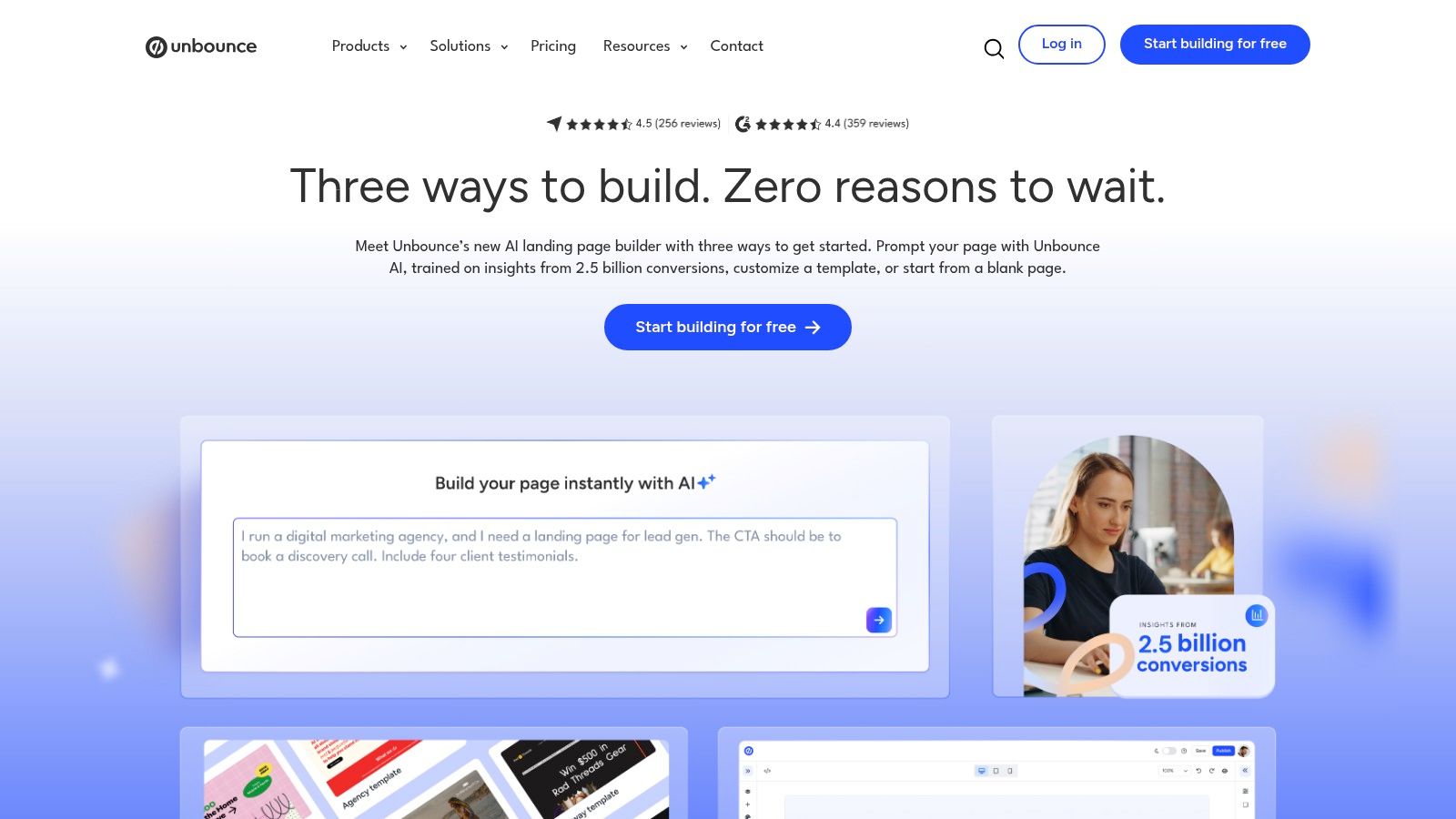
The builder includes forms, popups, sticky bars, custom scripts and tracking pixels. It also offers A/B testing on higher plans and AI-assisted traffic optimization on its Optimize tier. You can publish pages to a custom domain or WordPress, with monthly plans that vary by tier.
Where Unbounce fits a roofing ad account
Build separate pages for the services you advertise, then match each page’s headline and call to action to the search. A replacement page should make it easy to call about a replacement; a repair page should make the repair enquiry just as clear. Track calls, not just clicks, before deciding which version performs better.
Practical rule: Wait for call results before paying more for testing features.
A page that gets attention but fails to produce calls is not doing its job. Bluelight’s Google Ads landing page guidance for roofing companies explains how campaign pages can support roofing conversions.
What breaks: visitor limits can constrain campaigns, and testing tools may require a higher plan. Unbounce also doesn’t replace your main website. You can explore the builder through its 14-day trial.
2. Landingi
Landingi’s pitch is volume: more pages, less money. Annual plans listed start at $24 a month for Build, with higher tiers that add pages, visits, domains and campaign-management features.
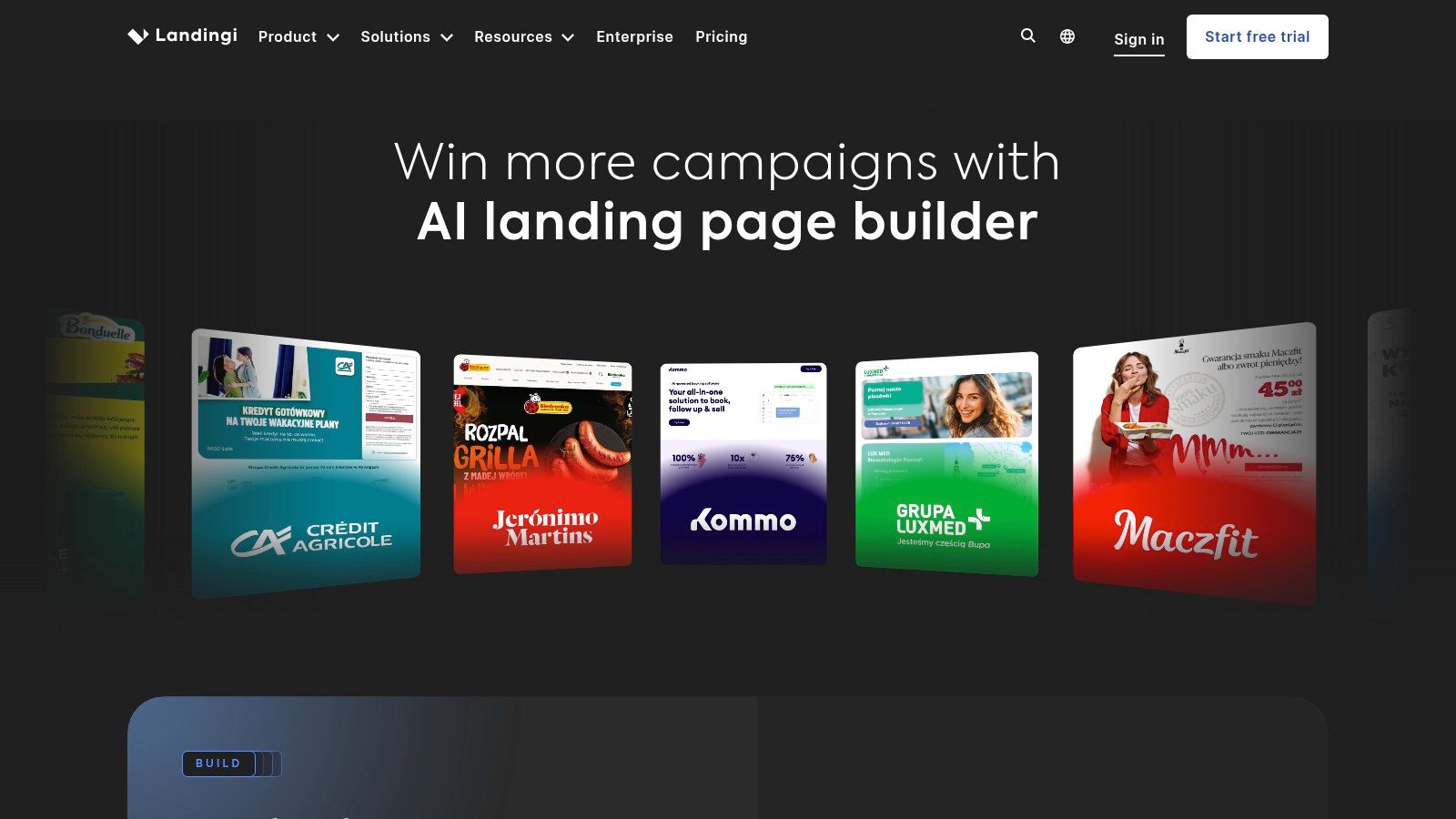
- Builder and content tools: drag-and-drop editing plus an AI page generator, forms, popups, templates and analytics.
- Publishing options: a custom domain, WordPress, Landingi’s own hosting, or your own server.
- Higher tiers: more pages, visits, domains and campaign-management features.
The entry-price trap
The Build plan’s page and visit limits are low enough that a serious campaign will hit them, so budget the upgrade before you budget the ads. Advanced features sit a substantial step up the ladder. A 14-day trial won’t show you how a page behaves under real traffic, and trial usage is capped.
Stats NZ’s 2022 ICT data records 25,164 New Zealand businesses with 6 to 19 employees as having a website, and the survey behind that figure covers firms with six or more employees that have traded for at least a year (Stats NZ business data). That’s your peer group: established firms, most of which need several service pages rather than one brochure page.
Worth knowing: publishing flexibility is the key advantage. One page per service, one per suburb, all pointed at the same phone number, is how a modest ad budget covers a wide service area. Details at Landingi.
3. Instapage
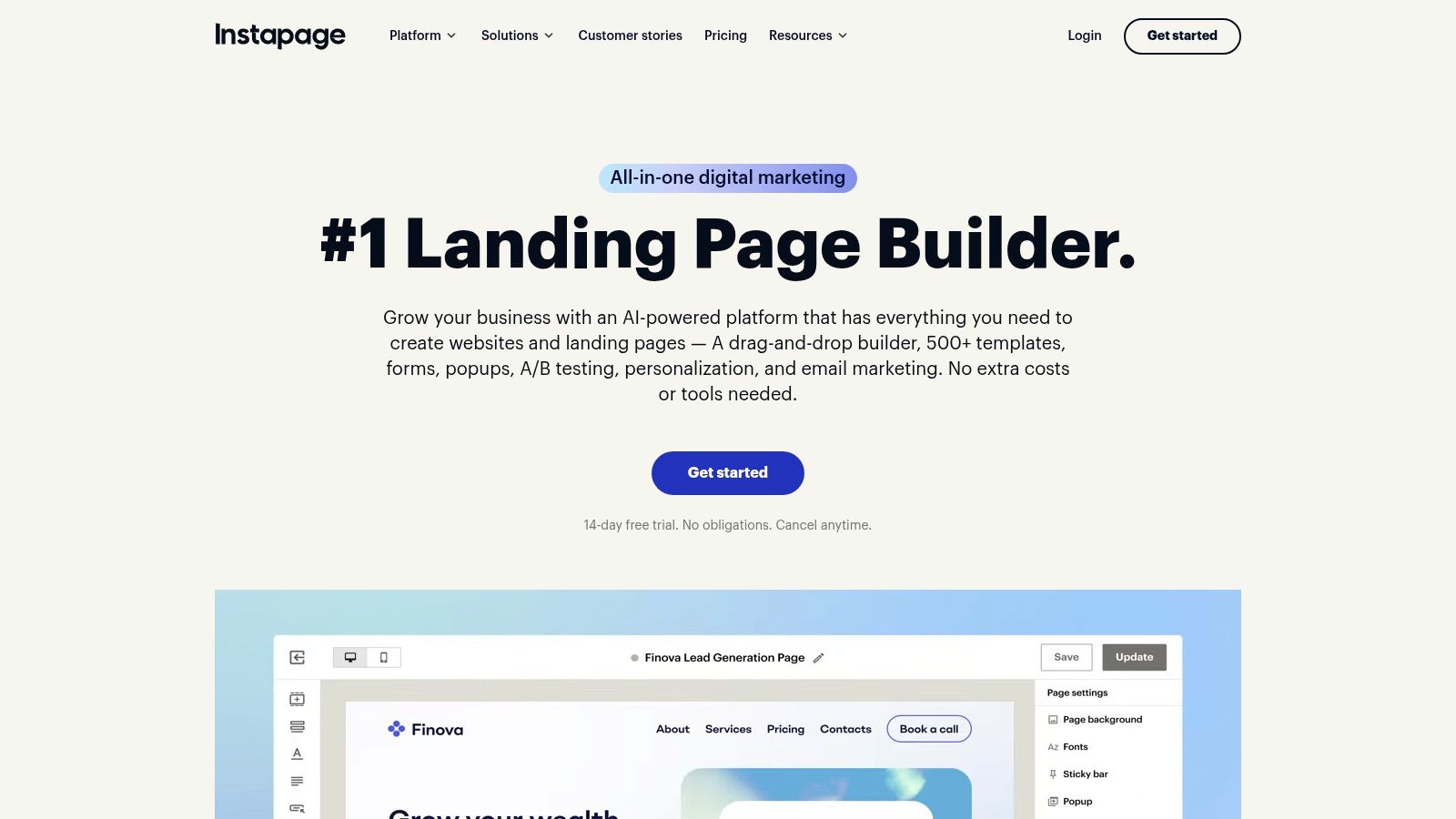
A roofing ad can bring someone to the right service page, but a mismatched form or unclear call button can still send them back to search. Instapage is built for teams that want consistent page layouts and a shared review process across multiple campaigns.
Its visual editor includes reusable page components, collaboration and feedback tools, custom-domain publishing, and multiple workspaces on listed plans. Plans cap published pages and monthly visitors, so check the current limits on Instapage’s pricing page before committing.
What Instapage buys you that cheaper tools don’t
Reusable components help keep service pages consistent, while collaboration tools give people working on the ads a place to review changes. That can reduce the risk of one page having an outdated offer or a harder-to-find phone number.
The trade-off is cost and capacity. Visitor caps can constrain a campaign-heavy account, and a single service page may not justify a dedicated platform. A 14-day trial is advertised, giving your team time to build a replacement page and a repair page and decide whether the workflow suits them.
More at Instapage.
4. Swipe Pages
Speed is the entire argument for Swipe Pages. It builds lightweight, mobile-first pages and funnel pages, which is the shape roofing traffic takes: someone spots a stain on the ceiling at 8pm, searches on a phone, and taps a number.
The template set is built for one-screen decisions rather than long brochures.
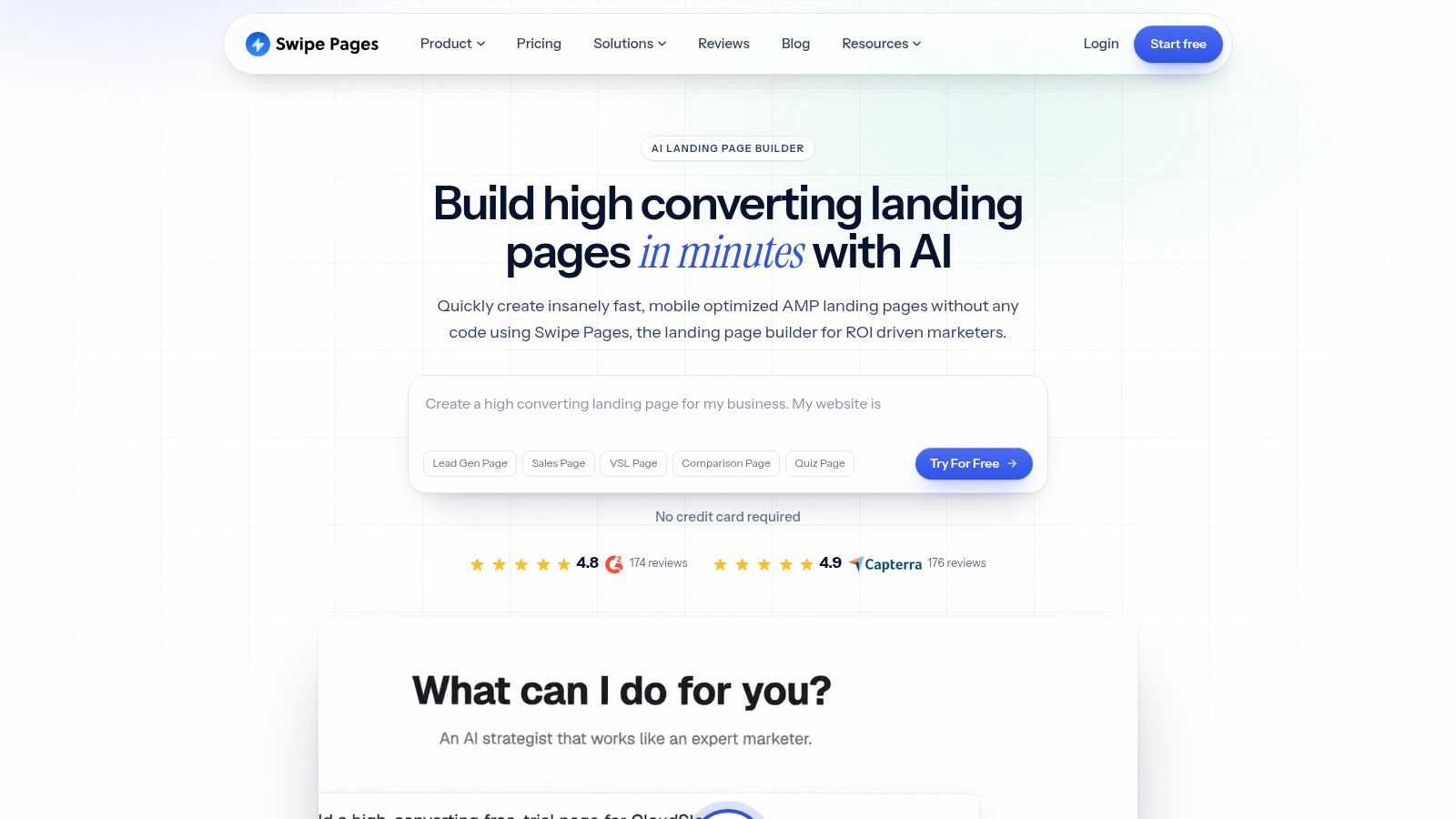
Listed annual plans start at $29 a month, with a builder, hosting, custom domains, traffic allowances by tier, templates and AI-assisted building, plus integrations and checkout options for anyone selling something. Listed plans include unlimited conversions, and annual billing brings the effective monthly price down.
Why the phone matters more than the desktop
New Zealand internet usage figures put smartphone access at 94% of internet users, with Android at 56% and iOS at 43% of mobile web traffic (internet usage in New Zealand). A tap-to-call button in the first viewport, a hero image compressed to a few hundred kilobytes, and a three-field form will beat a beautiful page that takes eight seconds to paint.
A roofer’s page has one job on a phone: make the number tappable and the form short enough to finish with a thumb.
What breaks: traffic limits vary by plan, so a storm spike can throttle you, and this is a campaign tool rather than a platform for running a whole company site. Greater traffic and extra domains mean a higher tier. Start at Swipe Pages.
5. Leadpages
Leadpages sells one thing above all: no visitor caps. Entry pricing starts at $99 a month for Grow, dearer than the alternatives here, but the page doesn’t stop collecting leads because a post did well.
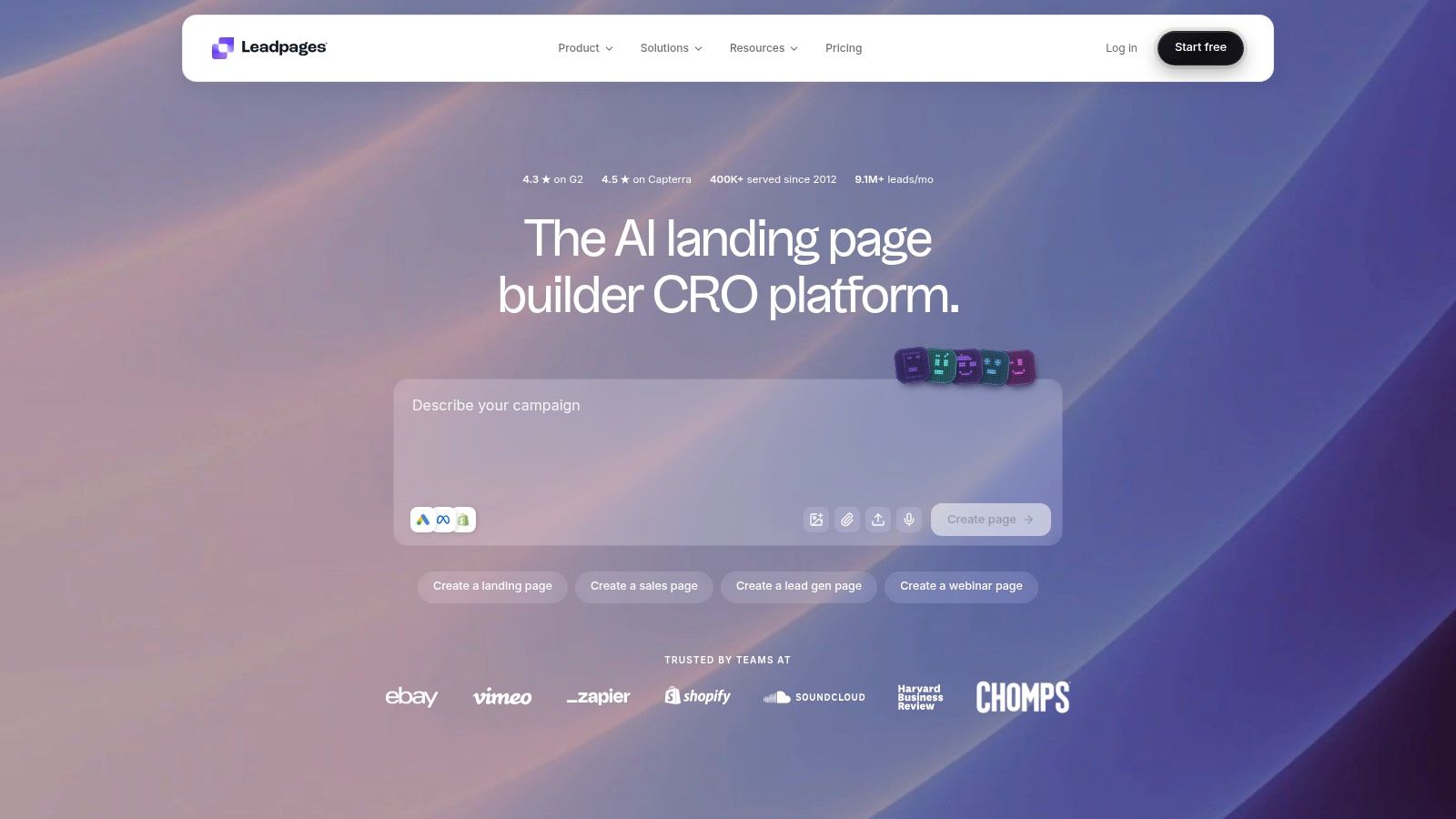
You get AI-assisted page creation and a visual editor, forms and integrations for lead capture, A/B testing on Grow, and personalisation, Smart Traffic plus added team and domain capacity on higher tiers. A 7-day trial is offered.
The case for paying more up front
If you run seasonal storm campaigns, unpredictable traffic is normal. A visitor limit on a cheap plan turns a good week into an upgrade conversation at 4pm on a Friday.
Where it grates: $99 is a real monthly cost for a firm that also pays for ads, limits still apply to domains, seats, pages and integrations, and the clever optimisation tools sit above the entry tier.
My view is that Leadpages suits a roofer who has already proved a page converts and now wants volume with no ceiling. Before that proof exists, the money is better spent on ad budget and on showing your finished work. Pricing at Leadpages.
6. Webflow
Webflow is the answer when the landing page and the website are one conversation. It’s a visual website builder with a CMS, so service pages and suburb pages can share structure without twenty copies of the same layout.
The designer view is closer to a design tool than a template picker.
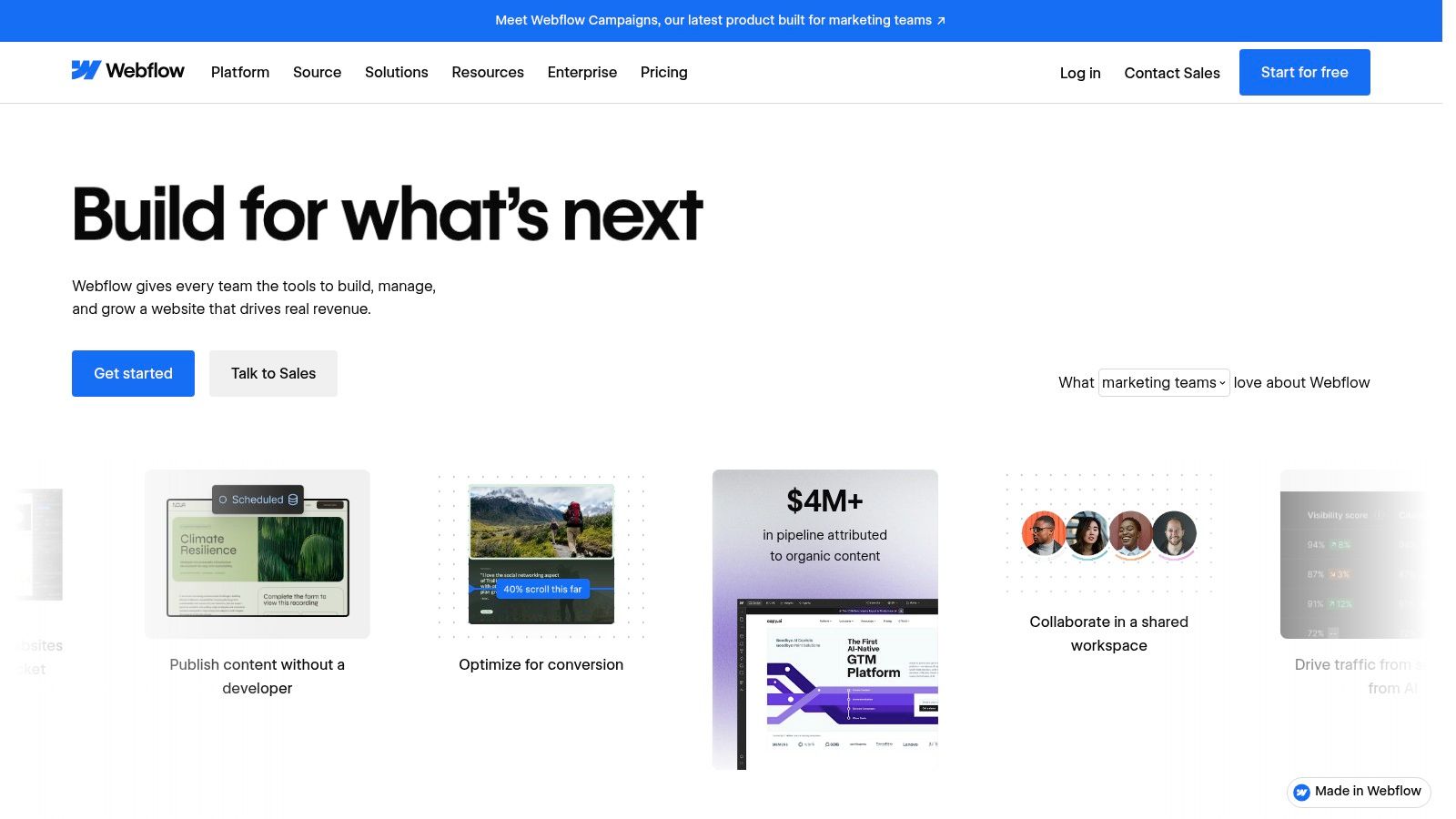
- Design control: visual, responsive page building with more layout freedom than most template-first tools.
- Content structure: a CMS for service or location collections, which keeps repeated pages consistent.
- Publishing: custom domains require a paid Site plan, and Workspace plans are billed separately.
- Optional extras: conversion testing, personalisation and analytics tools.
Building suburb pages from consent data
Stats NZ publishes building-consent data by region and building type, covering the number, floor area and value of new residential dwellings as well as the value of residential alterations and additions (Stats NZ building consents). That’s a demand signal for deciding which suburbs earn their own page. A CMS makes those pages cheap to maintain once they exist.
What breaks: the learning curve is steeper than any dedicated landing page builder, hosting and collaboration involve separate plans, and optimisation features may need add-ons. If you want one page live tomorrow, this isn’t it. There’s a free workspace and staging option at Webflow.
7. WordPress with Elementor
Most roofing firms already run WordPress, which makes Elementor the shortest path from ad click to a page you control. The landing page sits on your own domain, inside the site customers already trust, with no second platform to pay for.
The editor will feel familiar if you’ve ever used a page builder.
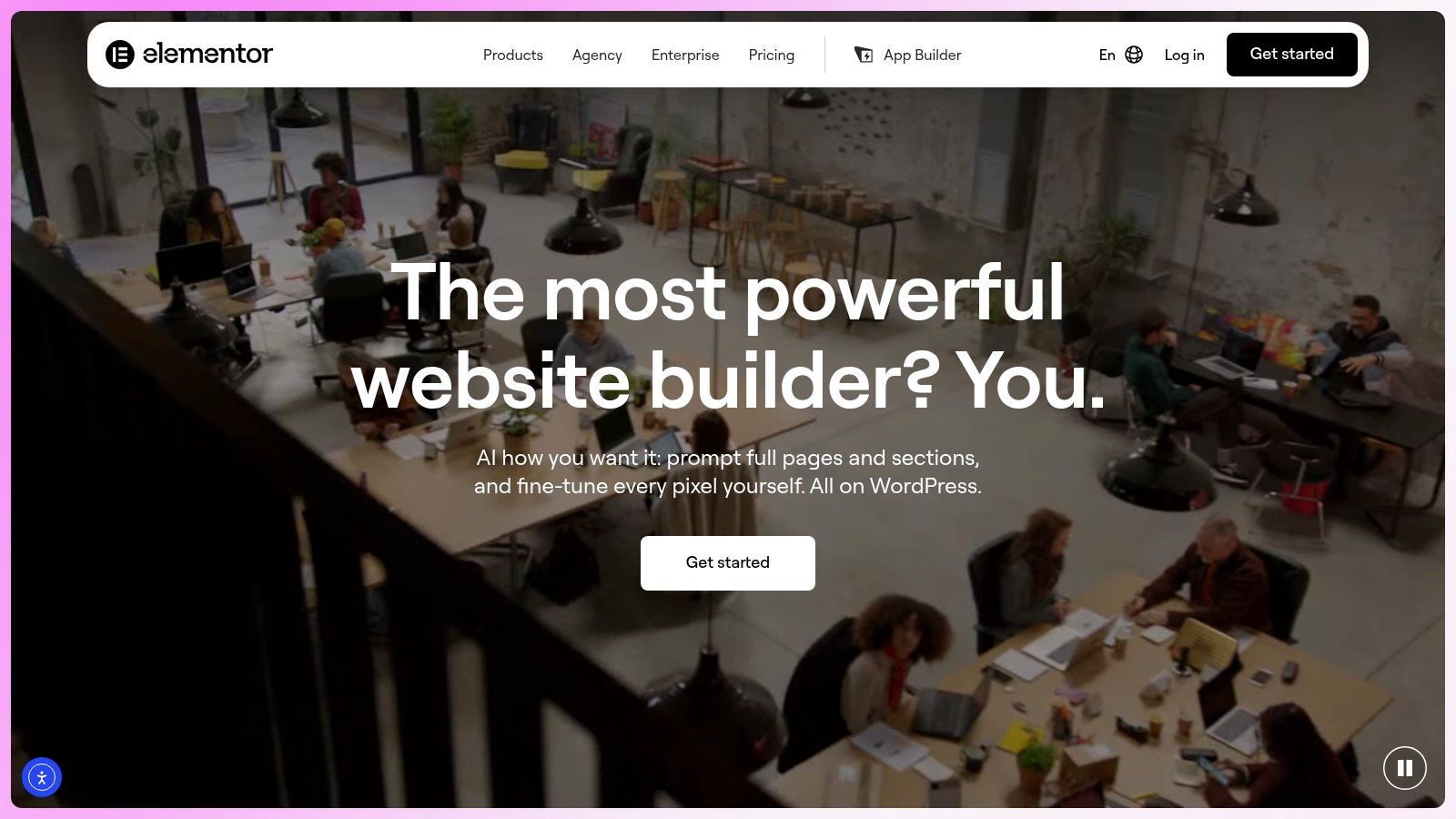
Elementor gives you drag-and-drop page and site building, templates, widgets and reusable design elements, plus forms, popups and site-wide design tools on paid plans, along with AI tools for content, layouts, images and code. The core plugin is free, and paid plans add features and support.
When tighter household budgets change the page
New Zealand homeowners reduced renovation spending by 13% in 2024, and average spending on kitchen and bathroom renovations fell 20%, according to reporting on Builderscrack marketplace data (OneRoof). Premium language stops working in that climate. A page that explains what drives the price, offers an inspection first, and separates an urgent repair from a full replacement gets more enquiries than one shouting about quality.
What breaks: you own the hosting, the updates and the plugin conflicts, and every extra plugin is another thing that can fail before a weekend storm. Features and support depend on your Elementor tier, and the cost includes hosting plus whatever else the site runs on. Details at Elementor.
8. HubSpot Landing Pages
HubSpot’s landing pages are worth a look when an enquiry needs a paper trail. The page, the form, the contact record and the follow-up email sit in one system, so a quote request doesn’t die in an inbox.
The page editor is plain, and that’s deliberate.
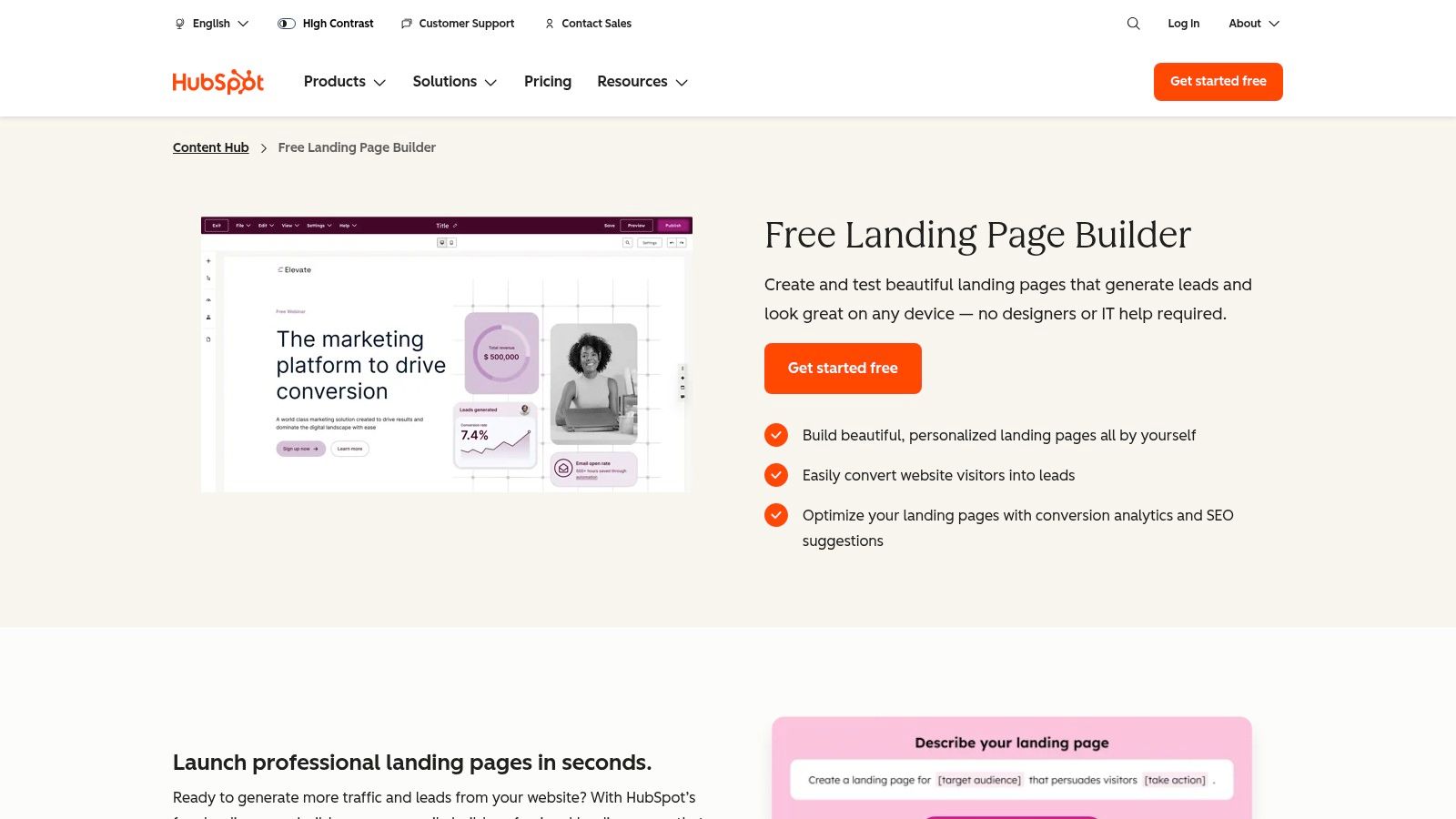
You get landing pages with forms and CRM-connected lead capture, free tools alongside paid Content Hub editions, connections to the rest of HubSpot’s marketing and sales products, and expanded content and testing on higher Content Hub tiers.
Where the undecided homeowner fits
A 2026 survey of 645 New Zealand homeowners found 78% were planning or considering home improvement, with 47% locked in and 31% still considering, and an average planned project spend of about NZ$27,000 (Builderscrack’s 2026 home improvement report). That 31% is where a CRM earns its keep: capture the enquiry, send the repair-versus-replace guide, follow up in three weeks. The survey comes from a trade marketplace, so treat it as directional.
Where it breaks: if you only need one ad landing page with a phone number on it, HubSpot is more system than you asked for.
Pricing and features vary by edition and subscription, and much of the value appears only when the other HubSpot tools are in use. Start at HubSpot Landing Pages.
9. Wix
A roofer starting without a website can use Wix to publish a page with a phone button, without needing to code. The drag-and-drop editor and templates make basic setup approachable, though detailed design changes can take more work.
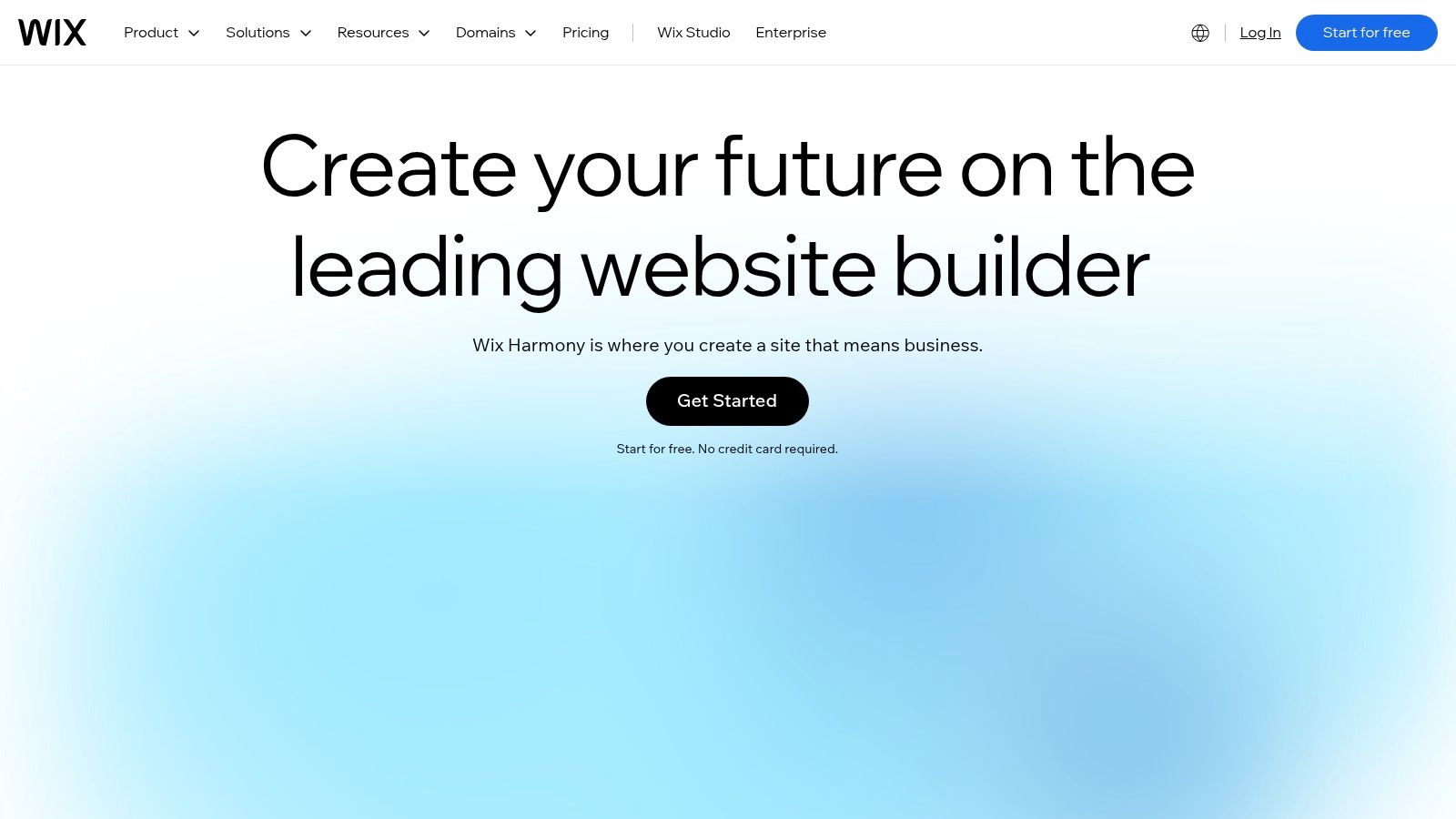
Wix lets you create a landing page for free, but a paid plan is needed to connect a custom domain. Business and commerce features depend on the plan. A free published site uses Wix branding and a Wix subdomain.
The gap this fills
InternetNZ’s 2025 research found that 53% of surveyed New Zealand businesses had a website, while 61% ranked a website as the most important digital tool for business success (InternetNZ’s 2025 research summary). For a roofing company without a site, Wix offers a straightforward way to put a page online. For a company already running paid campaigns, the priority is a page that turns clicks into calls, not just a published website.
What breaks: Wix is less specialised for paid-campaign testing than a dedicated tool, and advanced design can require apps or extra setup. If you’re paying for Google Ads, use a custom domain and make the phone number and quote form easy to find. This guide to roofing website design covers page layouts for roofing companies. See Wix for the platform.
10. Squarespace
Landing pages on Squarespace usually come as a side effect of building the site you needed anyway. Clean templates, sensible mobile behaviour out of the box, and a quote form that belongs on the same site as your project photos.
The template quality is the main reason people pick it.
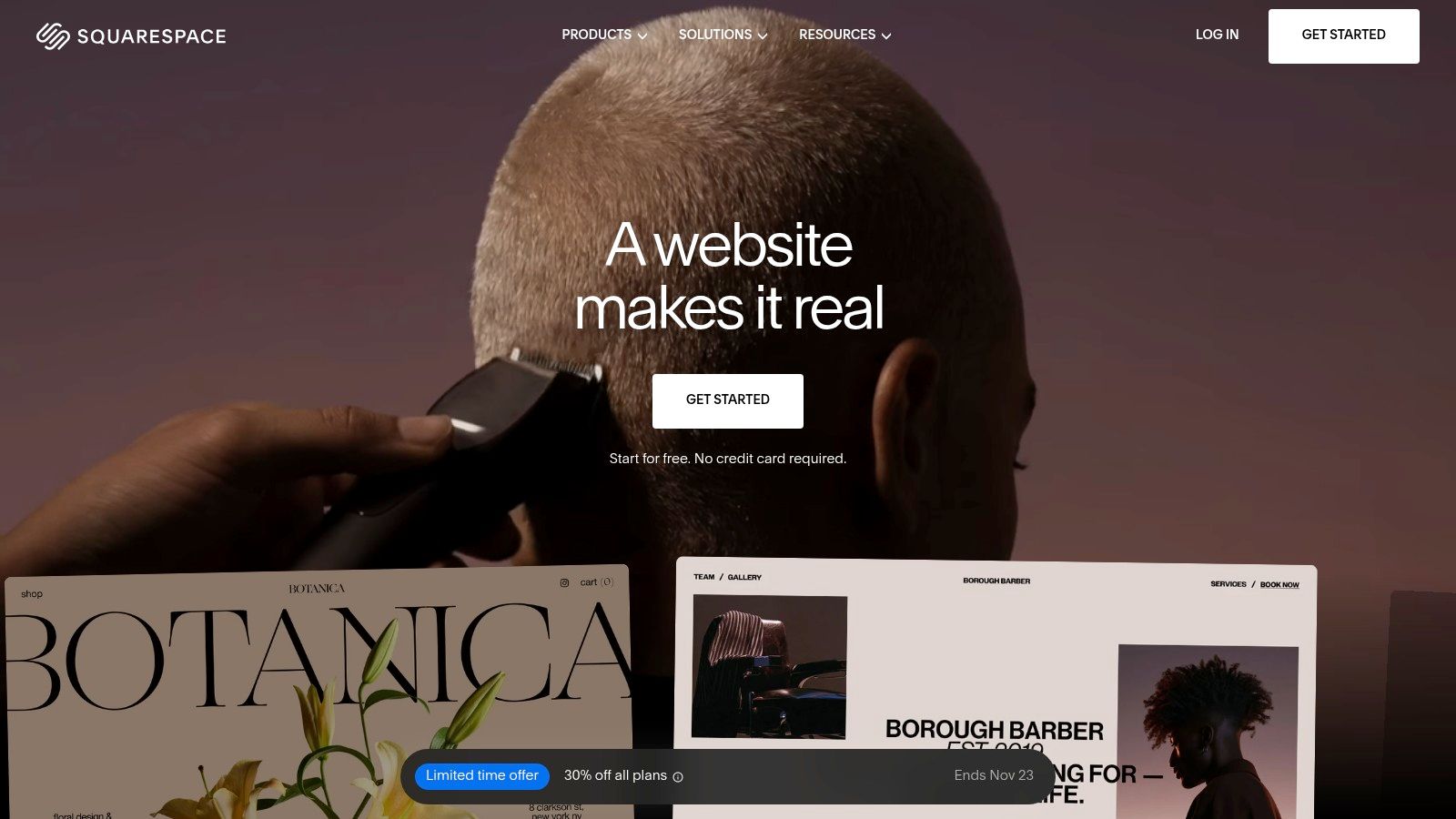
The platform provides a visual page editor and professionally designed templates, mobile-optimised websites with built-in SEO tools, custom-domain support on paid plans, and forms, commerce and analytics that vary by plan. There’s a 14-day trial, publishing requires a paid plan, and annual pricing listed Basic at $19 a month and Core at $29 a month.
Repair, replacement and recladding are three different pages
Stats NZ explains that building consents cover new construction and alterations to existing buildings, and alterations can include recladding leaky buildings and earthquake strengthening (Stats NZ). Homeowners needing roof work aren’t only building new homes. Roll repair, replacement and re-cladding into one message and you attract people whose project type, urgency and expected scope don’t match your crew.
What breaks: Squarespace is less focused on PPC testing and conversion optimisation than Unbounce or Instapage, a paid plan is required after the trial, and complex campaign or tracking requirements can feel restrictive. See Squarespace.
Landing page builders compared for roofing campaigns
The best builder for a roofing campaign is the one that helps turn a paid click into a phone call. Compare the tools by fit, trial and listed starting price, then weigh the trade-off: a focused campaign editor can speed up testing, while a website platform gives you more control over the wider site.
| Best for | Trial | Starting price (listed) | Stands out for |
|---|---|---|---|
| Unbounce: paid-campaign landing pages | 14 days | $29/month | A/B testing and conversion optimization |
| Landingi: teams building multiple campaign pages | 14 days | $24/month with annual billing | AI page generation and flexible publishing |
| Instapage: marketing teams managing ad campaigns | 14 days | Paid pricing not specified in the article | Reusable page components and collaboration tools |
| Swipe Pages: fast, mobile-friendly campaign pages | 14 days | $29/month with annual billing | Mobile-focused pages and unlimited conversions on listed plans |
| Leadpages: lead generation with landing pages | 7 days | $99/month | A/B testing at the entry paid tier |
| Webflow: custom websites with campaign pages | No trial listed | Paid Site plan required for a custom domain; price not specified in the article | Design flexibility and a CMS for service or location pages |
| WordPress with Elementor: landing pages on an existing WordPress site | No trial listed | Free core plugin; paid plans add features | Broad design control and reusable page-building components |
| HubSpot Landing Pages: CRM-connected lead capture | Free tools available | Free tools available; paid plans also offered | Landing pages connected to HubSpot CRM and follow-up workflows |
| Wix: small businesses building a simple website and landing pages | Free option available | NZ$17.77/month for Light | Website building with hosting included |
| Squarespace: polished branded websites with focused landing pages | 14 days | $19/month with annual billing | Professionally designed templates and built-in SEO tools |
Treat listed prices as a starting point, not a measure of likely call volume. For a roofer buying Google Ads, the practical test is whether the builder makes it easy to present the right service, build trust and give visitors a clear way to call. A page that looks polished but hides the phone number or makes edits slow can waste paid clicks.
Choosing a Builder and Making It Convert for Roofing Jobs
A homeowner clicks your ad for roof replacement, lands on the page, and leaves without calling. The builder matters only if it helps prevent that outcome.
Choose based on what the page needs to do. Unbounce, Instapage, Swipe Pages and Leadpages focus on pages for paid traffic, where the next step is a call or form submission. Webflow or WordPress with Elementor can also support a broader company site and suburb pages. Wix and Squarespace offer a straightforward way to publish a website and show project photos.
What actually makes a roofing page convert
Put a tappable phone number near the top of the page and repeat it where it helps visitors act. Show relevant roofing work beside the call to action. Keep the form short: ask for the service and suburb, then collect more detail when you follow up. State your service area and whether you handle emergency callouts.
Track calls and forms. Without that, you cannot tell which ad or page version produced the enquiry, or whether that enquiry became a booked job.
A useful standard: track both calls and forms, then change the page based on which enquiries turn into booked jobs.
Page and ads are one system
The page cannot fix a campaign targeting the wrong searches. A well-targeted campaign can still waste spend if the page loads slowly or gives visitors no clear reason to call. Match the keyword, ad headline and page headline, then make sure enquiries reach someone who can follow up promptly.
Bluelight runs Google Ads exclusively for roofing companies and builds lead-ready landing pages designed to make homeowners call instead of clicking away. Its Roof Flow™ system connects campaigns with landing page optimization, call tracking and lead attribution, with setup completed in five business days.
For a focused test, run a service page against a suburb page for a few weeks. Keep the version that produces more booked jobs. The same single-offer discipline applies if you customize a gym landing page as a starting point, then adapt the page to a roofing service and area.
If ad clicks are not turning into calls, Bluelight offers a free 30-minute ad account review covering what is working, where budget is leaking, and the two or three changes most likely to improve results. Visit Bluelight to book it.
Related service Google Ads for Roofers